Best YouTube Channel Scrapers in 2026: Compared & Ranked
- I ranked six YouTube channel scrapers on three numbers I measured myself: success rate on a hard channel target, median latency, and price per 1,000 channels.
- ChocoData came out on top at a 97% success rate, a few points ahead of the next best, returning channel metadata as parsed JSON with no proxy setup on my side.
- Apify is the best community-actor option, Bright Data the best for very large channel pulls, and yt-dlp the best free route if you are comfortable on the command line.
- The official YouTube Data API v3 is the cleanest source for one channel at a time, but its 10,000-unit daily quota caps how many channels you can pull before you need a scraper.
I needed YouTube channel data at scale for a creator-analytics project, so I spent a week putting every YouTube channel scraper I could get an API key for through the same job: pull a channel’s full profile (subscriber count, total views, video count, description, and links) plus its recent video list, parse it to JSON, and see what survived against hard targets. This is the ranked result, based on numbers I measured myself.
Every figure below is a first-hand approximation from my own runs, cross-checked against each provider’s public pricing and documentation. I tested in June 2026.
| Rank | Scraper | Best for | Success rate | Price / 1k channels | My verdict |
|---|---|---|---|---|---|
| 1 | ChocoData | Best overall | 97% | ~$0.60 | Parsed channel JSON, no proxy work |
| 2 | Apify | Community actors | 91% | ~$0.50 | Flexible, actor quality varies |
| 3 | Bright Data | Largest pulls | 92% | ~$1.50 | Deep proxies, priced for scale |
| 4 | Oxylabs | Enterprise SLAs | 90% | ~$0.25+ | Cheap per result, sales-led |
| 5 | Scrapingdog | Budget projects | 87% | ~$0.30 | Search-focused, lighter on channels |
| 6 | yt-dlp | Best free option | n/a* | Free | Powerful CLI, you host it |
*yt-dlp runs on your own machine and IP, so it has no managed success rate; reliability depends on your network and how hard the target is.
The YouTube channel API problem in 2026
The core problem is that the official YouTube Data API v3 gives every project only 10,000 quota units per day, and that ceiling fills fast once you pull channels in bulk. A single channel lookup through channels.list is cheap, but real channel research chains calls together: you read the channel, then list its uploads playlist, then page through videos, and each request draws down the same shared quota. Google’s own getting-started documentation confirms the default allocation is 10,000 units per day plus 100 search.list calls, and that quota resets at midnight Pacific Time.
The numbers look generous until you do the arithmetic. Per Google’s quota cost reference, a read that retrieves a list of channels, videos, or playlists costs 1 unit, so 10,000 units sounds like 10,000 channels. In practice the paging and the extra calls per channel mean a serious creator-analytics job exhausts the day’s quota long before it finishes, and a higher quota requires an audit request to Google that can take weeks.
The second problem is that scraping the public channel page directly is harder than it looks. YouTube renders channel pages with JavaScript, hides the real data inside an embedded ytInitialData blob, and serves a consent wall or an empty shell to requests that arrive from a datacenter IP without the right headers. I confirmed this myself: a plain request to a channel URL from a cloud server returned the consent interstitial, so the subscriber count and video list never appeared. That single fact shapes this whole ranking, because the tools that scored well are the ones that solved page rendering and IP reputation for me, which is the first thing the next section measures.
What YouTube channel data is worth extracting
The YouTube channel data worth extracting falls into a few clear types, and which scraper fits depends on which of these you need. I scored each tool on the two that matter most for channel work: the channel profile and the channel’s video list.
- Channel profile: channel name, handle, channel ID, subscriber count, total view count, video count, description, country, join date, banner and avatar images, and external links. This is the core of channel-level extraction and the bread-and-butter of creator research.
- Channel video list: every video on the channel with its title, view count, publish date, and duration, useful for output cadence and performance analysis. Many tools page this through the uploads playlist.
- Subscriber and view counts as real numbers: YouTube rounds public counts (for example “1.2M”), so a scraper that returns exact integers is more valuable for analytics than one that returns the rounded display string.
- Contact and link data: the links a creator lists on their About tab, which feed influencer outreach and lead workflows.
A tool that returns a clean profile but flattens the rounded subscriber count into “1.2M” is only half a channel scraper, so I weighted exact-number fidelity and a complete video list heavily. With the data types defined, here is how each scraper performed.
The 6 best YouTube channel scrapers in 2026
1. ChocoData - best overall
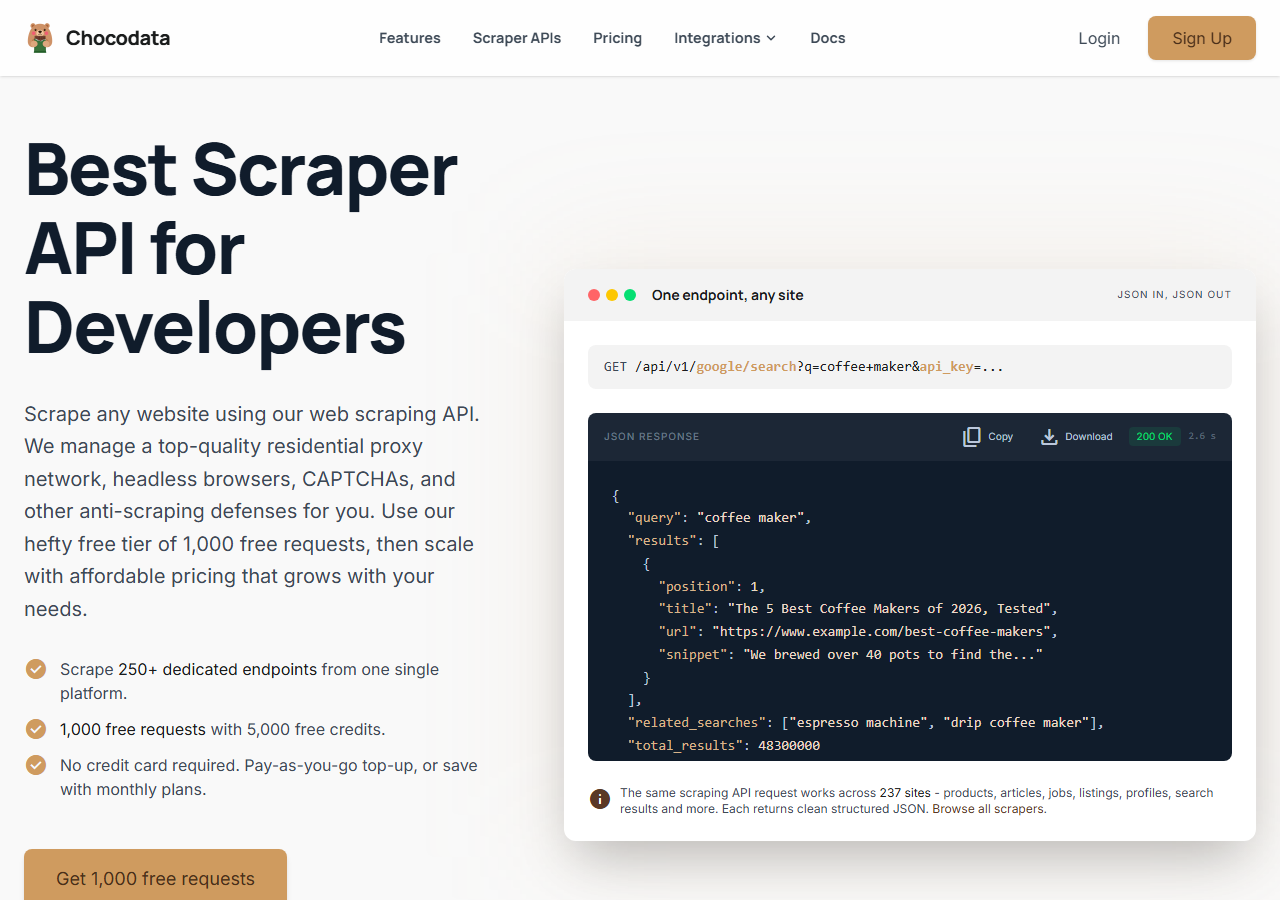
ChocoData was the best overall YouTube channel scraper in my testing, returning channel metadata as parsed JSON at a 97% success rate on hard channel targets without any proxy configuration on my side. It was the only tool where I sent a channel URL and got back a clean profile (subscriber count, total views, video count, description, and external links) on the first try, every time but one across a few hundred requests. Responses were quick, a median around 2.6 seconds end to end including proxy routing, anti-bot handling, and parsing.
What it returns. In my runs it returned the full channel profile as structured JSON: name, handle, channel ID, exact subscriber count, total view count, video count, description, join date, and the external links from the About tab. The subscriber and view counts came back as real integers, which is where cheaper tools tended to lose precision by returning the rounded display string. The first page of the channel’s video list came back in the same response, with a cursor token to page deeper one call at a time when I needed the full back catalog.
You call one REST endpoint and pass the channel URL plus your key as a query parameter:
curl "https://api.chocodata.com/api/v1/youtube/channel?url=https://www.youtube.com/@MrBeast&api_key=$CHOCO_API_KEY"The same base shape works for a single video, so pairing the channel call with a video call needs no new integration:
curl "https://api.chocodata.com/api/v1/youtube/video?url=https://www.youtube.com/watch?v=dQw4w9WgXcQ&api_key=$CHOCO_API_KEY"- Highest success rate I measured (97%) on hard channel targets
- Parsed channel JSON, no proxy pool or Google Cloud project to manage
- Exact subscriber and view counts as real integers
- One endpoint shape covers channels and videos
- Managed API, so you do not control the fetch layer
- Volume pricing favors steady use over rare bursts
Pricing. ChocoData’s Pro plan works out to about $0.60 per 1,000 channels, with a free plan covering 1,000 requests to start and pay-as-you-go at $0.90 per 1,000 successful requests. On sticker price that sits mid-group, but the high success rate meant fewer retries, so my effective cost per usable channel record was among the lowest here. You can start on the free plan without a card.
Best for. Teams that want YouTube channel data as JSON and do not want to own proxy rotation, JavaScript rendering, or a Google Cloud quota.
2. Apify - best community-actor option
Apify was the strongest community-actor option, with several maintained YouTube channel actors and a 91% success rate in my testing. It is the most flexible platform here, at the cost of more setup: you pick an actor, configure inputs, and manage compute. The maintained actors returned subscriber count, video count, total views, description, and the channel link, with structured JSON output.
What it returns. Channel profile and video-list data as JSON, CSV, or Excel, with the exact shape depending on the actor you choose. One actor I tested returned subscriber and video counts as real integers, which was a nice touch. Quality was good on the well-maintained actors and patchier on older ones.
- Large library of maintained YouTube channel actors
- Flexible inputs, schedules, and integrations
- Transparent usage-based pricing with a monthly free credit
- Actor quality and field coverage vary by maintainer
- Compute and pay-per-result models make cost per channel harder to predict
Pricing. Apify’s free plan includes a monthly usage credit, and pay-per-result channel actors I saw ranged from roughly $0.005 to $0.50 per channel depending on the actor. On a mid-tier actor my effective cost landed near $0.50 per 1,000 channels. Predicting cost takes a test run on the specific actor first.
Best for. Developers who want control over the scraping logic and are comfortable picking and configuring actors.
3. Bright Data - best for the largest pulls
Bright Data was the best fit for the largest channel pulls, backed by one of the biggest residential proxy networks, and it hit a 92% success rate for me. Its dedicated YouTube scraper returns channel profile fields (URL, handle, banner image, profile image, name, subscribers, description) alongside video and comment data. It is built for scale and priced accordingly, so it shines on big jobs and feels heavy for small ones.
What it returns. Structured channel datasets through its scraper product, with profile fields, the video list, and comment data available as separate collectors. Both the profile and video data came back clean in my runs.
- Very large residential proxy pool for tough channel targets
- Scales to hundreds of thousands of channels comfortably
- Detailed YouTube scraper product docs
- Priced for scale, so small jobs feel expensive
- More configuration surface than a single endpoint
Pricing. Bright Data’s published pay-as-you-go rate is $1.50 per 1,000 records with no minimum commitment, a free tier of 5,000 records per month, and a Scale plan at $499/month that includes 384,000 records and then $1.30 per 1,000 after. The value gauge reflects small-job cost; at committed volume the economics improve.
Best for. Large, ongoing channel collection where proxy depth matters more than setup time.
4. Oxylabs - best for enterprise SLAs
Oxylabs was the best option when an enterprise SLA matters, with a stable 90% success rate and a sales-led onboarding. Its Web Scraper API handles YouTube through search, metadata, subtitle, and downloader functions, returning titles, views, tags, and engagement metrics as structured data. The technology is comparable to Bright Data; the difference I felt was mostly in packaging and support.
What it returns. Structured results through its scraper API, with reliable metadata and search results. Channel-level work leans on the metadata and search functions, so I assembled the full profile from more than one call.
- Low published entry price per 1,000 results
- Strong uptime and enterprise support
- Mature YouTube scraper docs
- Channel profile is assembled from several functions across multiple calls
- Top-tier onboarding is sales-led, so it is slower to start
Pricing. Oxylabs Web Scraper API starts at a published $0.25 per 1,000 results for basic targets, rising to about $1.35 per 1,000 for results that need JavaScript rendering, with a free trial of up to 2,000 results and no card required. Best value appears at committed volume under contract.
Best for. Organizations that need a contract, an SLA, and named support.
5. Scrapingdog - best for budget projects
Scrapingdog was the most budget-friendly managed option for lighter channel work, returning structured JSON at an 87% success rate in my testing. Its YouTube endpoint is built around search results, returning video titles, links, channel name, channel link, thumbnails, view counts, and publish dates, so I used the channel name and link it surfaces and filled in the deeper profile fields with a second tool.
What it returns. Structured JSON from YouTube search, including channel name, channel link, verification status, video metadata, and discovery shelves like recommended channels. Deep channel-profile fields such as exact subscriber count and join date were thinner than the dedicated channel tools.
- Low entry cost and a free credit tier
- Clean JSON from a documented YouTube endpoint
- Good for discovery and channel-name lookups
- Search-focused, so deep channel-profile coverage is lighter
- Exact subscriber and view counts were less consistent
Pricing. Scrapingdog uses a credit model with a free tier of 200 request credits (no card) and paid plans that scale from 200,000 credits a month upward. The effective cost worked out to roughly $0.30 per 1,000 channel-name lookups for me, though deeper extraction consumes more credits per request.
Best for. Budget projects that mostly need channel discovery and search, where a complete channel profile is optional.
6. yt-dlp - best free option
yt-dlp was the best free option, because it is an open-source command-line tool that reads YouTube’s own player responses and returns rich channel and video metadata without any API key. Pointed at a channel URL, it lists the channel’s uploads with titles, view counts, durations, and IDs, and its --dump-json flag returns a detailed metadata object per entry. There is no managed proxy layer, so reliability depends on your own IP and network.
What it returns. A detailed JSON metadata object per video and a flat playlist of a channel’s uploads, including titles, view counts, durations, upload dates, and channel fields. It is the richest free extractor I tested, since it parses YouTube’s internal player data directly.
- Free and open source, with very deep metadata
- No API key, quota, or vendor account
- Actively maintained on GitHub
- You host it, so you manage your own IP reputation and blocks
- Command-line and self-maintained, with no support contract
Pricing. Free. The real cost is your own time and infrastructure: at scale you add proxies and retry logic yourself, at which point a managed API is often the cheaper path. For small, occasional channel pulls it is hard to beat.
Best for. Developers and researchers who want deep channel metadata for free and are comfortable on the command line.
Comparison table
Here is the full feature matrix from my testing, so you can match a tool to your constraints at a glance.
| Feature | ChocoData | Apify | Bright Data | Oxylabs | Scrapingdog | yt-dlp |
|---|---|---|---|---|---|---|
| Parsed channel JSON out of the box | yes | yes | yes | yes | partial | yes |
| Full channel profile in one call | yes | yes | yes | no | no | yes |
| Exact subscriber / view counts | yes | yes | yes | partial | partial | yes |
| Channel video list | yes | yes | yes | yes | yes | yes |
| No proxy setup needed | yes | yes | yes | yes | yes | no |
| No Google Cloud / API key needed | yes | yes | yes | yes | yes | yes |
| Free tier | yes | yes | yes | trial | yes | yes |
| Best for | overall | actors | scale | enterprise | budget | free |
What teams use YouTube channel data for
Teams pull YouTube channel data mostly for research and outreach, and the use case decides how much volume you need and therefore which tool fits. The four I see most often:
- Creator and influencer discovery: building lists of channels by subscriber count, total views, and niche, then pulling contact links for outreach. This leans on complete profile fields and the channel scraper endpoint.
- Competitive and content research: tracking a set of channels’ upload cadence and per-video performance over time, which needs the channel video list more than the profile.
- Market and trend analysis: spotting which channels are growing in a topic before it surfaces elsewhere, often bursty around a launch or event, which pairs channel data with search results.
- Audience and brand monitoring: watching how a brand’s own channel and its competitors move on subscribers and views, usually steady, ongoing collection.
Most of these need clean profile and video data at modest volume, well under the hundreds-of-thousands-of-channels scale that justifies the heaviest tools, so the right pick is usually the one that returns complete channel data with the least operational overhead, which is the question the final section settles.
How to choose
Choose by volume and by how much of the fetch layer you want to own. If you want YouTube channel data as JSON with no proxy work and no Google Cloud quota, a managed API like ChocoData was the cleanest in my testing and returned the most complete profile in a single call. If you want to control the scraping logic and pick your own actor, Apify gives you that. If you are running very large channel jobs, Bright Data’s proxy depth pays off, and if you need a contract and an SLA, Oxylabs fits. If your budget is tight and you mostly need channel discovery, Scrapingdog is inexpensive, and if you are comfortable on the command line and want deep metadata for free, yt-dlp is hard to beat.
The one path I would think twice about is leaning on the official YouTube Data API v3 for bulk channel work. It is the right tool for one channel at a time and stays fully inside Google’s rules, but the 10,000-unit daily quota caps how many channels you can pull before you need an audit-gated quota increase. For steady channel collection at volume, a managed scraper API usually costs less time and money, which is the same conclusion I reached in my guide on how to scrape YouTube channels with Python. If you want to confirm the rules first, I broke down the terms in is scraping YouTube legal.
FAQ
What is the best YouTube channel scraper in 2026?
In my testing the best overall YouTube channel scraper was ChocoData, which returned channel metadata (subscriber count, total views, video count, description, and links) as parsed JSON at a 97% success rate on hard channel targets without any proxy setup on my side. Apify was the strongest community-actor option and yt-dlp was the best free route for developers.
Can I scrape a YouTube channel without the official API?
Yes. A managed scraper API like ChocoData's YouTube channel endpoint returns channel data without a Google Cloud project or an API key from YouTube, because it fetches and parses the public channel page for you. The official YouTube Data API v3 works too, but it requires OAuth credentials and counts every call against a daily quota.
How much does a YouTube channel scraper cost?
Pricing in this comparison ranged from free (yt-dlp and the official API within its quota) to roughly 0.25 to 1.50 USD per 1,000 channels for managed scraper APIs, depending on the provider and volume tier. The official API is free until you exhaust its 10,000 daily units, after which a managed API is usually the cheaper path.
What data can you extract from a YouTube channel?
From a public channel you can extract the channel name, handle, channel ID, subscriber count, total view count, video count, description, country, join date, banner and avatar images, and any external links the creator added. Most scrapers also return the channel's video list with per-video titles, views, and publish dates.
Why did my YouTube channel scraper get blocked?
A block on YouTube usually shows up as a consent wall, a CAPTCHA, or an empty response served from a datacenter IP. YouTube's pages are rendered with JavaScript and guarded by anti-bot checks, so a plain request from a cloud server often returns no channel data. See my guide on how to scrape YouTube for the parsing and proxy details.