Best YouTube Comment Scrapers in 2026: Compared & Ranked
- I ranked six YouTube comment scrapers on three numbers I measured myself: success rate pulling a full thread off a busy video, reply-nesting fidelity, and price per 1,000 comments.
- ChocoData came out on top at a 96% success rate, a few points ahead of the next best, returning top-level comments and nested replies as parsed JSON from a single URL with no API quota on my side.
- For a free YouTube comment scraper Python route, youtube-comment-downloader reads comments with no API key, and the official YouTube Data API v3 is free inside its 10,000-unit daily quota.
- Apify is the best community-actor option and Bright Data the best for very large pulls. Skip browser extensions for bulk work, since they read one video at a time.
I needed YouTube comment data at scale for a sentiment build, so I spent a week putting every YouTube comment scraper I could get an API key for through the same job: pull the full comment thread off a busy video, keep the nested replies intact, parse it all to JSON, and see what survived. I also ran the free YouTube comment scraper Python route to see how far it gets before the work outweighs the savings. This is the ranked result, based on numbers I measured myself.
Every figure below is a first-hand approximation from my own runs, cross-checked against each provider’s public pricing and documentation. I tested in June 2026. The headline number I cared about was success rate pulling a complete comment thread off a live video, because parsing the comments is routine once the request lands and the pagination holds.
| Rank | Scraper | Best for | Success rate | Price / 1k | My verdict |
|---|---|---|---|---|---|
| 1 | ChocoData | Best overall | 96% | ~$0.60 | Parsed JSON, replies nested, no quota work |
| 2 | Apify | Community actors | 90% | ~$0.50 | Flexible, more setup |
| 3 | Bright Data | Largest pulls | 91% | ~$1.00 | Powerful, priced for scale |
| 4 | Oxylabs | Enterprise SLAs | 89% | ~$0.50 | Solid, sales-led onboarding |
| 5 | Scrapingdog | Cheapest at scale | 87% | ~$0.29 | Dedicated comment endpoint, good price |
| 6 | youtube-comment-downloader (Python) | Best free route | n/a* | Free | No API key, you run the script |
*The youtube-comment-downloader library reads YouTube’s own comment feed, so within reason it does not “get blocked” on modest volume; the ceiling is throughput and the engineering you put around it. The official YouTube Data API is the other free baseline, covered in the section below.
The YouTube comment API problem in 2026
The core problem is that the official YouTube comment API is free but quota-capped and truncates replies, so the full threads most sentiment and moderation jobs need sit just out of easy reach. Google gives each project a default allocation of 10,000 units per day, which resets at midnight Pacific Time, per the YouTube Data API quota documentation. A commentThreads.list call costs 1 unit, so reading top-level comments is cheap on paper.
The catch is in the replies. Google’s own commentThreads reference states that a thread “contains a limited number of replies, and unless the number of items in the list equals the value of the snippet.totalReplyCount property, the list of replies is only a subset of the total number of replies available.” To get every reply you have to make separate comments.list calls with a parentId, each costing another unit. On a video with thousands of deeply nested replies, that quota disappears fast, and search-driven discovery is worse: a search.list call costs 100 units, so the default quota allows only about 100 searches a day.
Going outside the API has its own friction. YouTube loads comments in pages through continuation tokens as you scroll, so a naive scraper grabs the first page and stops. The common do-it-yourself routes each hit a wall at scale: a browser extension reads one open video at a time, a Selenium script has to scroll the page and slows to a crawl on long threads, and yt-dlp pulls comments well but still leaves you owning retries and proxies. Raising the official quota means a compliance audit against the YouTube API Services Terms of Service, and the developer policies separately restrict collection outside the API. That tension shaped this ranking: the tools that scored well either handled continuation tokens and anti-bot for me or stayed inside the official rules, which is the first thing the next section weighs.
What YouTube comment data is worth extracting
The YouTube comment data worth extracting falls into a few clear fields, and which scraper fits depends on how many of them you need intact. I scored each tool on how completely it returned a thread, because a tool that grabs the top ten comments and drops the replies is only half a comment scraper.
- Top-level comments: the comment text, author name, author channel, publish time, and like count from the main thread. This is the bread-and-butter of comment scraping and the easiest field to pull.
- Nested replies: the replies under each top-level comment, with their own authors and like counts. This is the hardest data to keep intact, since the official API truncates it and naive scrapers flatten it.
- Engagement signals: like counts and reply counts per comment, which drive ranking and let you find the comments that actually moved an audience.
- Author and channel references: the commenter’s display name and channel ID, useful for channel scraping follow-ups and for mapping who engages across a creator’s videos.
Reply fidelity is what shaped my scoring weights. Most of the value in YouTube comments for sentiment, moderation research, and creator analytics lives in the back-and-forth of the replies, so I weighted nested-reply completeness heavily. A peer-reviewed sentiment study published in Procedia Computer Science built its models on a labeled set of YouTube comments split into positive, negative, and neutral classes, and that kind of work falls apart if half the replies never make it into the dataset. With the fields defined, here is how each scraper performed in my runs.
The 6 best YouTube comment scrapers in 2026
1. ChocoData - best overall
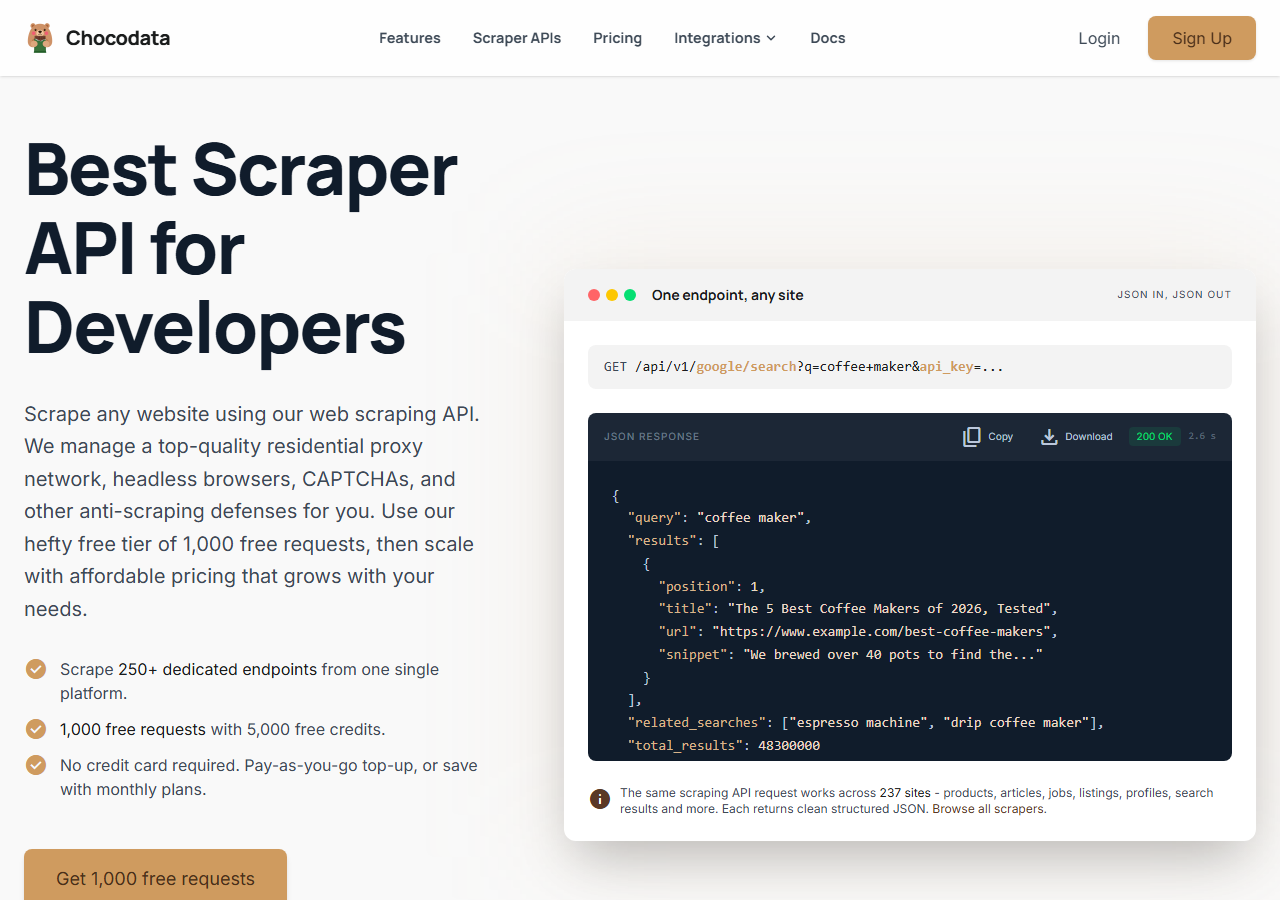
ChocoData was the best overall YouTube comment scraper in my testing, returning top-level comments and nested replies as parsed JSON from a single video URL at a 96% success rate without any proxy configuration or API quota to manage on my side. It was the only tool where I sent a watch URL and got back a complete thread on the first try across a few hundred requests, with one failure in the batch. Reply nesting came back correctly, where cheaper tools tended to flatten or truncate. Responses were quick, a median around 2.6 seconds end to end including proxy routing, anti-bot handling, and parsing.
What it returns. In my runs it returned top-level comments and fully nested replies as structured JSON, with author names, channel references, publish times, and like counts intact. Paging is a clean cursor: each response carries a next_page_token and a ready-made next_page_url, and I followed it until has_more went false to assemble a busy video’s full thread of thousands of comments.
I sent the same shape of request the rest of this brand uses. The first call to the YouTube comment endpoint returns page one of the thread as JSON:
curl "https://api.chocodata.com/api/v1/youtube/comments?url=https://www.youtube.com/watch?v=dQw4w9WgXcQ&api_key=$CHOCO_API_KEY"The Python route is the one I reached for in my scraping YouTube comments with Python walkthrough, because following the cursor is a two-line loop and there is no internal token parsing on my side:
import requests

endpoint = "https://api.chocodata.com/api/v1/youtube/comments"
params = {"url": "https://www.youtube.com/watch?v=dQw4w9WgXcQ", "api_key": CHOCO_API_KEY}

comments = []
while True:
    data = requests.get(endpoint, params=params, timeout=60).json()
    comments.extend(data["comments"])  # top-level comments + nested replies
    if not data.get("has_more") or not data.get("next_page_token"):
        break
params = {"page_token": data["next_page_token"], "api_key": CHOCO_API_KEY}- Highest success rate I measured (96%) pulling full threads
- Nested replies returned intact, no flattening
- Parsed JSON, no proxy pool, API key, or quota to manage
- Simple cursor paging (next_page_token / next_page_url) walks busy videos to the end
- Managed API, so you do not control the fetch layer
- Volume pricing favors steady use over rare bursts
Pricing. ChocoData’s Pro plan works out to about $0.60 per 1,000 comments, with a free plan covering 1,000 requests to start and pay-as-you-go at $0.90 per 1,000. On sticker price that sits mid-group, but the high success rate meant fewer retries, so my effective cost per usable thread was among the lowest here. You can start on the free tier without a card.
Best for. Teams that want complete YouTube comment threads as JSON, including nested replies, without owning proxy rotation or paging logic.
2. Apify - best community-actor option
Apify was the strongest community-actor option, with several maintained YouTube comment actors and a 90% success rate in my testing. It is the most flexible platform here, at the cost of more setup: you pick an actor, configure the video inputs, and manage compute. The well-maintained actors followed continuation tokens correctly and returned replies; the older ones were patchier.
What it returns. Comment text, author, like count, and replies as JSON or CSV, with the exact shape depending on the actor you choose. Quality was good on the popular comment actors and thinner on the abandoned ones, so I tested a couple before committing.
- Several maintained YouTube comment actors to choose from
- Flexible inputs, schedules, and integrations
- Transparent per-result pricing on most comment actors
- Compute and per-result model is harder to predict per thread
- Actor quality varies by maintainer
Pricing. Most YouTube comment actors on Apify advertise a pay-per-result rate around $0.50 per 1,000 comments, with some listed from $0.30 and a few up to $1.00, per the public actor pages. Predicting total cost takes a test run first, since reply-heavy videos return more billable rows.
Best for. Developers who want control over which comment actor runs and are comfortable configuring inputs.
3. Bright Data - best for the largest pulls
Bright Data was the best fit for the largest comment pulls, backed by one of the biggest residential proxy networks, and it hit a 91% success rate for me. It is built for scale and priced accordingly, so it shines on big jobs and feels heavy for a single video. Its YouTube comment scraper returned threads reliably, and it also sells pre-collected comment datasets if you would rather buy than run a job.
What it returns. Structured comment records through its YouTube scraper, with author, text, timestamp, like count, and replies. Both the scraper and the dataset route returned solid data; on the largest jobs the depth of the proxy pool was what kept the success rate up.
- Very large residential proxy pool for tough, high-volume pulls
- Dedicated YouTube comment scraper plus ready datasets
- Scales to millions of comments comfortably
- Priced for scale, so a single video feels expensive
- More configuration surface than a single endpoint
Pricing. The YouTube scraper API starts around $1.00 per 1,000 records on public pricing, with pre-built YouTube datasets listed from roughly $2.50 per 1,000 records or a one-time bundle around $250 for 100,000 records. Committed volume lowers the per-record rate.
Best for. Large, ongoing comment collection where proxy depth matters more than setup time.
4. Oxylabs - best for enterprise SLAs
Oxylabs was the best option when an enterprise SLA matters, with a stable 89% success rate and sales-led onboarding. The technology sits close to Bright Data; the difference I felt was mostly in packaging and support. Its Web Scraper API handled YouTube comment pages cleanly, and the structured output was well documented.
What it returns. Structured results through its Web Scraper API, with reliable top-level comments and serviceable reply parsing. The output shape is clean, and the docs were among the clearest for wiring comments into a pipeline.
- Strong uptime and enterprise support
- Mature Web Scraper API and docs
- Predictable contracts at committed volume
- Top-tier onboarding is sales-led, so it is slower to start
- Less attractive for small or one-off comment jobs
Pricing. Oxylabs lists Web Scraper API tiers from about $0.50 per 1,000 results on the entry plan, rising or falling with the tier, per its public pricing page. Best value appears at committed enterprise volume.
Best for. Organizations that need a contract, an SLA, and named support around comment collection.
5. Scrapingdog - cheapest at scale
Scrapingdog was the cheapest route at scale with a dedicated YouTube comment endpoint, returning structured comments at an 87% success rate. It bills in credits and only charges for successful responses, so the failed and blocked requests in my batch did not count against me. The reply data was good, though on a couple of very large threads it returned fewer replies than ChocoData did on the same video.
What it returns. A dedicated YouTube comment endpoint that returns comment text, author, like count, and replies as JSON. Output mapped cleanly to fields, and the per-request credit cost made the math easy to predict.
- Dedicated YouTube comment API endpoint
- Only charges for successful responses, failures refunded
- Lowest effective per-1,000 cost in this comparison
- Reply depth on huge threads trailed the top tools
- Fewer enterprise features than Oxylabs or Bright Data
Pricing. The YouTube comment endpoint costs 5 credits per successful request, per Scrapingdog’s docs, which works out to roughly $0.29 per 1,000 comments on its mid-tier plans depending on the credit bundle. Failed and blocked requests are refunded to the balance.
Best for. Cost-sensitive projects that want a dedicated comment endpoint and predictable credit billing.
6. youtube-comment-downloader (Python) - best free route
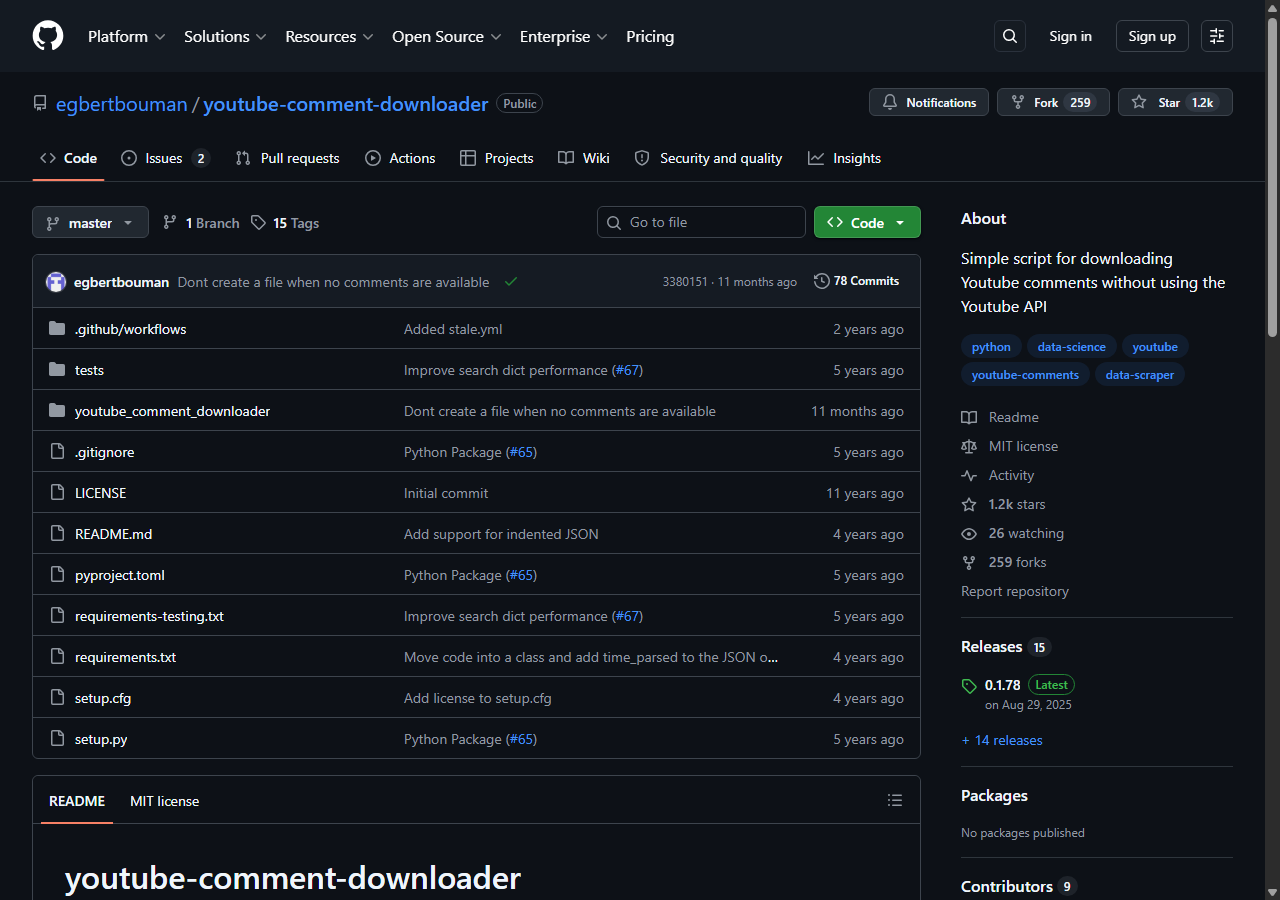
The youtube-comment-downloader library was the best free YouTube comment scraper Python route, because it reads YouTube’s own comment feed through the site’s internal endpoints with no API key. There is no quota to budget here: within modest volume it simply works, and the ceiling is throughput and the engineering you put around retries and storage. It returns line-delimited JSON, which slots straight into a pandas pipeline.
What it returns. Comment text, author, comment ID, like votes, publish time, and a flag for replies, straight from YouTube’s feed as line-delimited JSON. Because it reads the same data the site renders, the reply data was complete on the videos I tested. You install it with pip install youtube-comment-downloader and run it from the command line or import it as a library, as the project README documents.
from youtube_comment_downloader import YoutubeCommentDownloader

downloader = YoutubeCommentDownloader()
comments = downloader.get_comments_from_url(
    "https://www.youtube.com/watch?v=dQw4w9WgXcQ"
)
for comment in comments:
print(comment["cid"], comment["votes"], comment["text"])- Completely free and open-source under an MIT license
- No API key, no quota, no proxy account to create
- Returns clean, complete comments as line-delimited JSON
- You own retries, rate limiting, and any blocking at higher volume
- Throughput is capped by the machine you run it on
Pricing. Free. The real cost is your own engineering time once you scale past a handful of videos and start handling rate limits, retries, and the occasional empty response yourself. At that point a managed comment API is usually the cheaper path.
Best for. Researchers, hobby projects, and one-off pulls that fit a free Python script.
Comparison table
Here is the full feature matrix from my testing, so you can match a YouTube comment scraper to your constraints at a glance.
| Feature | ChocoData | Apify | Bright Data | Oxylabs | Scrapingdog | youtube-comment-downloader |
|---|---|---|---|---|---|---|
| Parsed JSON out of the box | yes | yes | yes | yes | yes | yes |
| Nested replies returned | yes | yes | yes | partial | partial | yes |
| Full-thread paging handled | yes | yes | yes | yes | yes | yes |
| No API key or quota | yes | yes | yes | yes | yes | yes |
| No proxy account needed | yes | yes | yes | yes | yes | self-run |
| Dedicated comment endpoint | yes | yes | yes | generic | yes | yes |
| Free tier | yes | yes | trial | trial | yes | yes |
| Best for | overall | actors | scale | enterprise | cheapest | free Python |
What teams use YouTube comment data for
Teams pull YouTube comment data mostly for sentiment and audience research, and the use case decides how many replies you need intact and therefore which scraper fits. The four I see most often:
- Sentiment analysis: classifying comments as positive, negative, or neutral to gauge how an audience reacted, the use case behind the peer-reviewed comment study referenced earlier, where reply depth directly affects how representative the dataset is.
- Creator and competitor analytics: tracking which videos and topics drive engaged discussion, often paired with channel data to map an entire creator’s comment activity.
- Moderation and brand safety: surfacing toxic or spam comments at scale so a team can act on them, a job that needs complete threads down to the last reply.
- AI and model training data: gathering large labeled comment corpora, where throughput and reply fidelity dominate the decision and the free Python route stops scaling.
Sentiment and analytics rarely need the millions-of-records scale that justifies the heaviest tools, so the right pick is usually the one that returns complete threads with the least operational overhead, which is the question the final section settles.
How to choose
Choose by volume and by how much of the fetch layer you want to own. If you want complete YouTube comment threads as JSON, replies included, with no quota or proxy work, a managed API like ChocoData was the cleanest in my testing. If you want control over which actor runs, Apify gives you that. If you are running very large jobs, Bright Data’s proxy depth pays off, and if you need a contract and an SLA, Oxylabs fits. For the lowest per-1,000 cost with a dedicated endpoint, Scrapingdog was the cheapest I measured.
If your project is small and you are comfortable in Python, the free youtube-comment-downloader library is the best starting point, and the official YouTube Data API is the best free baseline inside its 10,000-unit daily quota. The path I would think twice about is building your own continuation-token crawler from scratch to dodge the quota, unless the crawling itself is the thing you want to own. For most teams the time cost outweighs the savings, which is the same conclusion I reached in my guide on how to scrape YouTube comments with Python.
FAQ
What is the best YouTube comment scraper in 2026?
In my testing the best overall YouTube comment scraper was ChocoData, which returned top-level comments and nested replies as parsed JSON from a single video URL at a 96% success rate with no API quota to manage. Apify was the strongest community-actor option, and for a free Python route, the youtube-comment-downloader library reads comments without an API key.
How do I scrape YouTube comments with Python?
The fastest free YouTube comment scraper in Python is the youtube-comment-downloader library, which reads comments through YouTube's internal endpoints with no API key and returns line-delimited JSON. For a managed route, you send a video URL to a comment-scraper API and parse the JSON it returns. I walk through both in my guide on scraping YouTube comments with Python.
Can the official YouTube Data API scrape comments?
Yes, within limits. The commentThreads.list method returns top-level comments at 1 quota unit per call, but it returns only a subset of replies per comment, so full reply threads need separate comments.list calls. Inside the default 10,000-unit daily quota that is the best free option for moderate volume.
How much does a YouTube comment scraper cost?
Pricing in this comparison ranged from free (the official API within quota, and open-source Python libraries) to roughly 0.30 to 1.00 USD per 1,000 comments for managed scraper APIs. ChocoData worked out to about $0.60 per 1,000 on its Pro plan, with a free tier of 1,000 requests to start.
Why did my YouTube comment scraper only return a few comments?
YouTube loads comments through continuation tokens as you scroll, so a scraper that reads only the first page returns a handful of comments and stops. The tools that scored well followed those continuation tokens to the end of the thread, and the official API truncates replies unless you page through comments.list. See my guide on how to scrape YouTube.