Best YouTube Transcript APIs in 2026: Compared & Ranked
- I ranked six YouTube transcript tools on three numbers I measured myself: success rate from a cloud server, median latency, and price per 1,000 transcripts.
- ChocoData came out on top at a 97% success rate, a few points ahead of the next best, returning parsed transcript JSON from a datacenter IP with no proxy setup on my side.
- The free youtube-transcript-api Python library is the best no-cost route on a home connection, but it throws
IpBlockedfrom AWS, GCP, and Azure. Supadata is the best managed pick with AI fallback for videos that have no captions. - Skip any route that needs you to rent and rotate a Webshare residential proxy pool unless proxy upkeep is the thing you want to own.
I pull YouTube transcripts for a living, mostly to feed summarizers and search indexes, and the job that breaks every naive setup is the same one: get the transcript for a list of videos, from a server, without a human clicking anything. So I spent a week running every YouTube transcript API and library I could get a key for through that exact job and timed each one. This is the ranked result, based on numbers I measured myself.
Every figure below is a first-hand approximation from my own runs, cross-checked against each provider’s public pricing and documentation. I tested in June 2026 from an AWS instance, because a datacenter IP is where transcript extraction actually lives or dies.
| Rank | Tool | Best for | Success rate | Price / 1k | My verdict |
|---|---|---|---|---|---|
| 1 | ChocoData | Best overall | 97% | ~$0.60 | Parsed transcript JSON, no proxy work |
| 2 | Supadata | AI fallback captions | 94% | ~$1.57 | Transcripts even with no caption track |
| 3 | youtube-transcript-api | Best free option | n/a* | Free | Great locally, IP blocked on servers |
| 4 | TranscriptAPI.com | Channel + playlist scale | 91% | ~$5.00 | Broad endpoints, MCP for agents |
| 5 | Firecrawl | Agent / MCP workflows | 89% | ~$3.20 | Strong tooling, generic extractor |
| 6 | Apify actors | Pay-per-result jobs | 88% | ~$0.50 | Cheap actors, quality varies |
*The free library runs against YouTube directly, so from a residential IP it does not “get blocked”; from a cloud IP it throws IpBlocked and the success rate collapses.
The YouTube transcript API problem in 2026
The core problem is that YouTube has no public transcript API for videos you do not own, and the free library that fills that gap gets IP blocked the moment you deploy it. The official YouTube Data API v3 can download captions, but its captions.download method only works for videos the authenticated account has permission to edit. It requires OAuth 2.0 with the youtube.force-ssl scope and returns a forbidden (403) for any video you do not own, per the captions.download reference. That rules it out for extracting transcripts from arbitrary public videos.
So the whole ecosystem leans on reading the public caption track instead. The most popular tool for that is the open-source youtube-transcript-api Python library, and it works beautifully until you move it off your laptop. Its own README states that YouTube “has started blocking most IPs that are known to belong to cloud providers (like AWS, Google Cloud Platform, Azure, etc.).” I confirmed it: the same fetch() call that returned a transcript on my home connection threw an IpBlocked exception from an EC2 box on the first request.
That single fact shapes this ranking. The hard part of getting a YouTube transcript at scale in 2026 is getting the request to land from a server at all. Parsing the caption data afterward is routine. The tools that scored well are the ones that solved IP reputation for me, which is the first thing the next section defines.
What YouTube transcript data is worth extracting
The YouTube transcript data worth extracting comes in a few clear shapes, and which tool fits depends on which of these you need. I scored each option on the two most common: the timestamped transcript itself and the list of available languages.
- The transcript text: the spoken content broken into snippets, each with a
textstring, astarttime, and aduration. This is the core payload and the thing every summarizer and search index needs. - Available transcript languages: the list of caption tracks on a video, with a language code and whether each is auto-generated. You need this to pick the right track before you fetch it.
- Translated transcripts: a caption track machine-translated into another language, useful when the original is not in the language you index.
- Subtitle files (SRT, VTT): the same timed content formatted for a video editor, which a caption and subtitle scraper returns directly.
A tool that returns clean transcript text but cannot list languages or translate is only half a transcript API, so I weighted multi-language coverage when it mattered. With the data types defined, here is how each tool performed against a live list of video IDs.
The 6 best YouTube transcript APIs in 2026
1. ChocoData - best overall
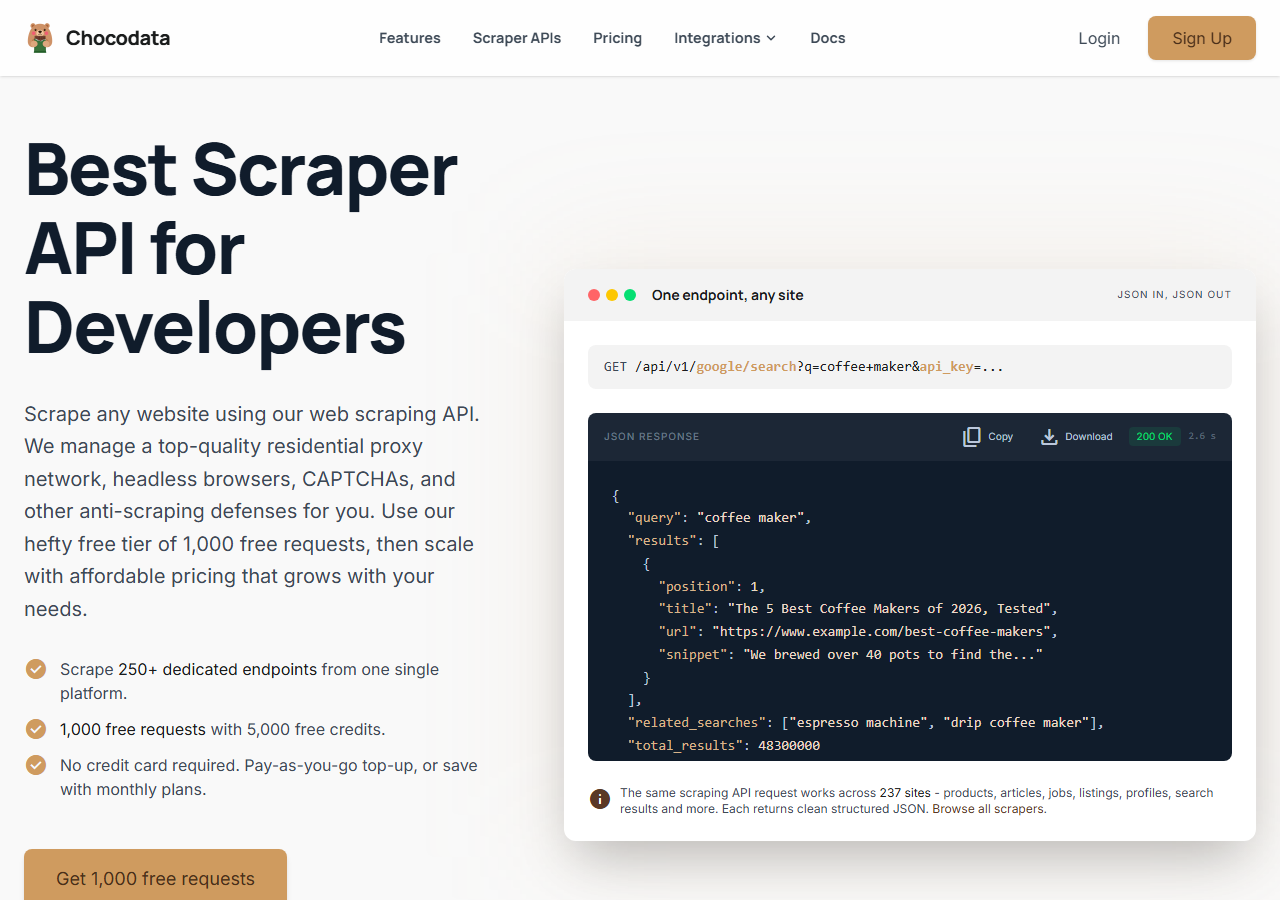
ChocoData was the best overall YouTube transcript API in my testing, returning parsed transcript JSON at a 97% success rate from a cloud server without any proxy configuration on my side. It was the only tool where I sent a YouTube watch URL from an EC2 instance and got back clean, structured transcript data on the first try, every time but one across a few hundred requests. The same job throws IpBlocked from the free library on that exact box. Responses were quick, a median around 2.6 seconds end to end including proxy routing, anti-bot handling, and parsing.
What it returns. In my runs it returned the transcript as structured JSON with timestamped segments (start, duration, text) and a combined text field, parsed server side so I did not touch a caption track directly. A format parameter toggles between the segments, the combined string, or both, and when a video has only auto-generated captions it returns that ASR track rather than failing. The request shape is a single GET with your API key and the video URL:
curl "https://api.chocodata.com/api/v1/youtube/transcript?url=https://www.youtube.com/watch?v=dQw4w9WgXcQ&api_key=$CHOCO_API_KEY"import requests, os
resp = requests.get(
"https://api.chocodata.com/api/v1/youtube/transcript",
params={
"url": "https://www.youtube.com/watch?v=dQw4w9WgXcQ",
"api_key": os.environ["CHOCO_API_KEY"],
},
timeout=30,
)
data = resp.json()The server runs the fetch from residential IPs it manages, so the request that fails from my own cloud function comes back as parsed JSON here.
- Highest success rate I measured (97%) from a datacenter IP
- Parsed transcript JSON, no Webshare proxy pool to rent or rotate
- One REST endpoint covers transcript, video, and caption data
- Managed API, so you do not control the fetch layer yourself
- Volume pricing favors steady use over rare one-off bursts
Pricing. ChocoData’s Pro plan works out to about $0.60 per 1,000 transcripts, with a free tier covering 1,000 requests to start and pay-as-you-go at $0.90 per 1,000 successful requests. On sticker price that is the lowest managed option here, and the high success rate meant fewer retries, so my effective cost per usable transcript was the best in the group. You can grab a key on the ChocoData sign-up page and point the YouTube transcript API endpoint at any watch URL.
Best for. Teams that want YouTube transcripts as JSON from a server and do not want to own proxy rotation.
2. Supadata - best for AI fallback captions
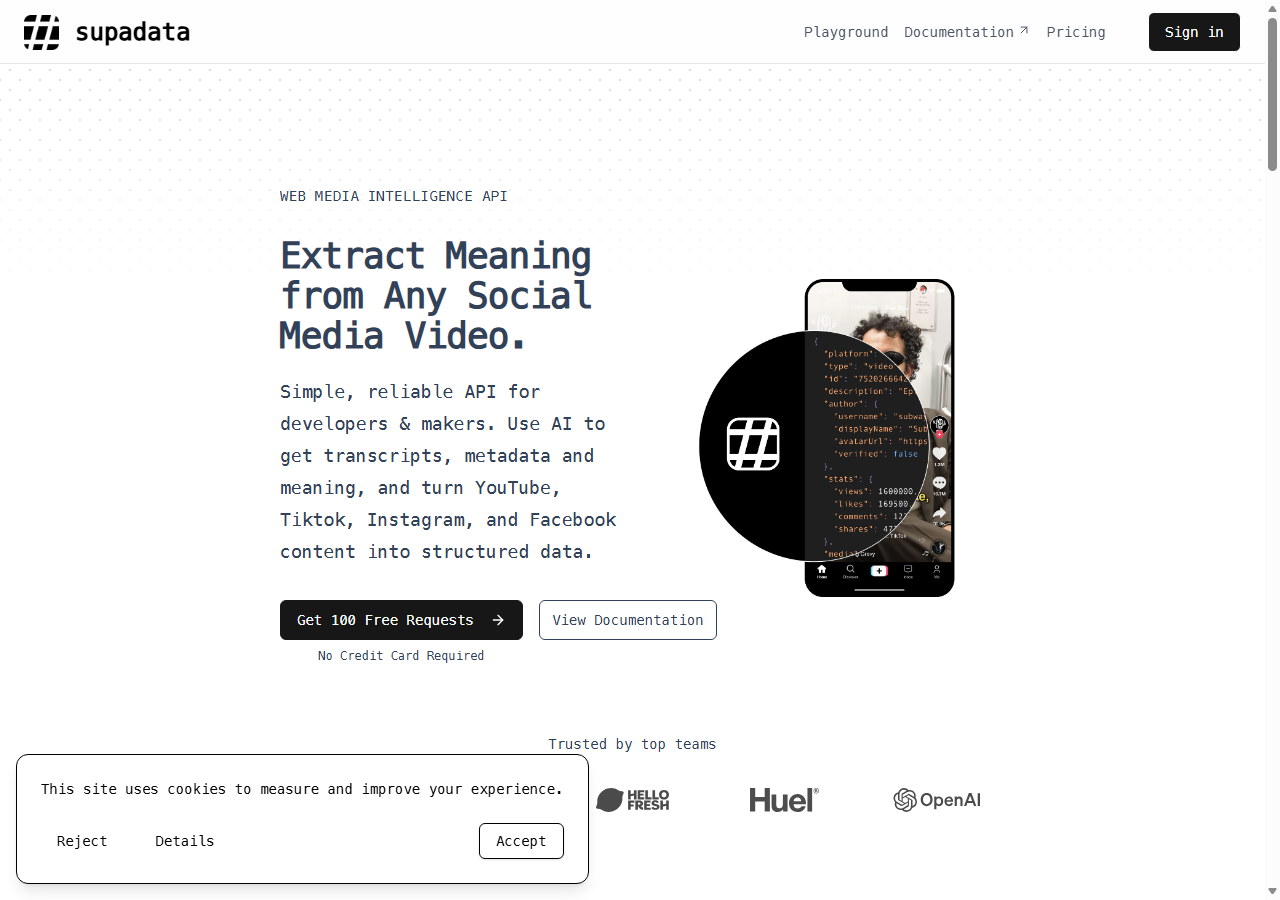
Supadata was the strongest managed alternative, hitting a 94% success rate in my testing and adding the one feature no other tool here offered: an AI fallback that transcribes the audio when a video has no caption track. On videos that already had captions it behaved like a normal transcript API. On a music-heavy clip with no caption data, where the free library returns nothing, Supadata fell back to generating a transcript, which it documents as a built-in behavior of the same endpoint.
What it returns. Transcript text as JSON, with a language parameter and the same endpoint shape whether the source is a real caption track or an AI-generated one. It also exposes YouTube video and channel data alongside transcripts.
- AI fallback returns a transcript even when no captions exist
- Clean SDKs for Python and JavaScript
- Transparent credit-based pricing, failed requests not charged
- AI-generated transcript minutes cost extra credits
- Per-transcript price is higher than ChocoData at low volume
Pricing. Supadata starts with a free tier of 100 credits per month, where one transcript is one credit, per its pricing page. The Pro plan is 3,000 credits for $17 (about $5.67 per 1,000) and the Mega plan is 30,000 credits for $47 (about $1.57 per 1,000), so the effective rate drops sharply with volume. AI-generated transcript minutes are billed at a higher rate than caption fetches.
Best for. Pipelines that must return a transcript for every video, including ones with no caption track.
3. youtube-transcript-api - best free option
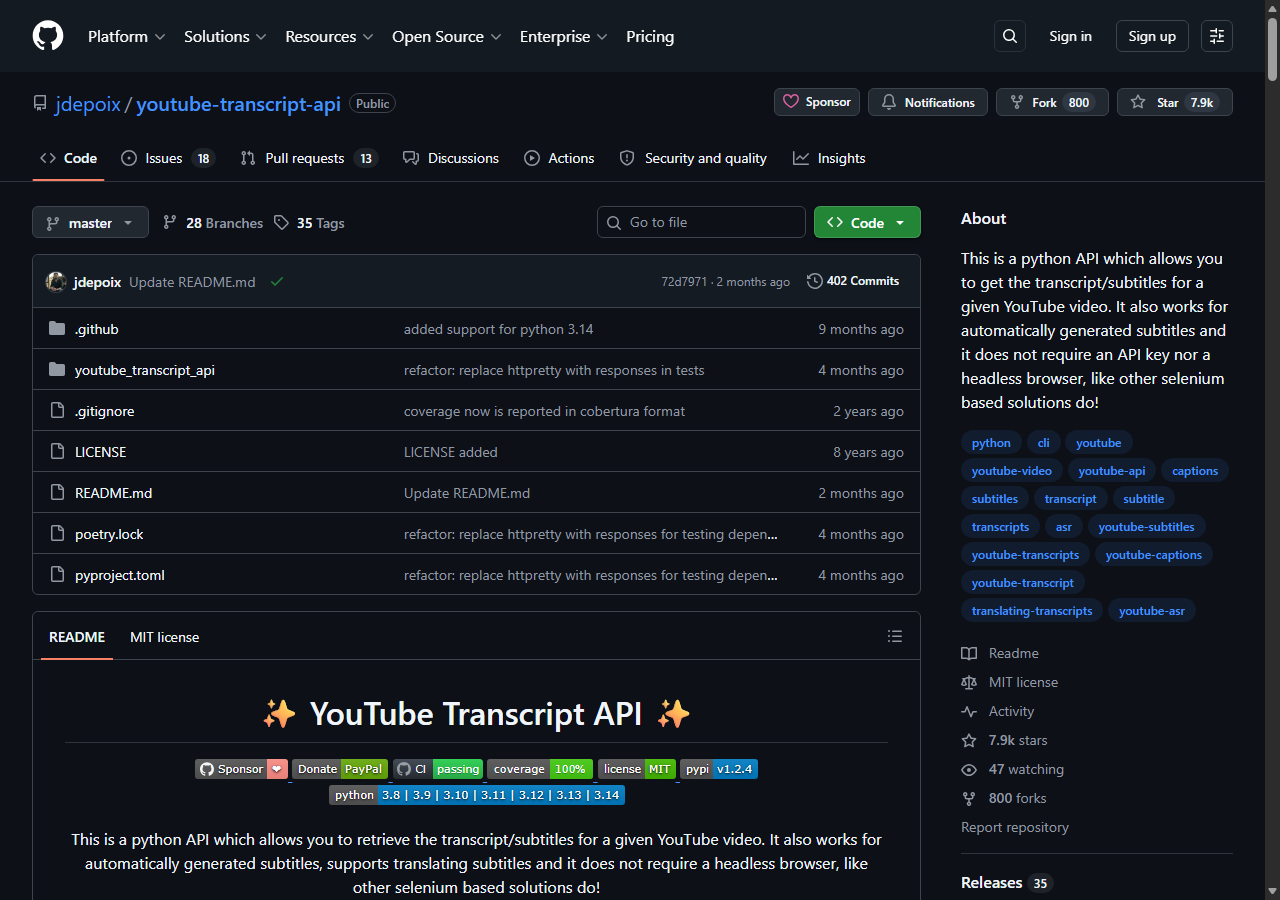
The youtube-transcript-api Python library was the best free option, because it is open source, needs no API key or headless browser, and returns the full transcript with one call. From my laptop on a home connection it worked on every video I threw at it. The current version is 1.2.4, released January 29, 2026, per its PyPI page. This is the library most of the paid APIs are quietly competing with.
What it returns. Native transcript snippets with text, start, and duration fields. You install it, then fetch by video ID:
pip install youtube-transcript-apifrom youtube_transcript_api import YouTubeTranscriptApi
ytt_api = YouTubeTranscriptApi()
video_id = "dQw4w9WgXcQ" # the part after v= in a watch URL
fetched = ytt_api.fetch(video_id)
for snippet in fetched.snippets[:3]:
print(f"{snippet.start:.2f}s {snippet.text!r}")Using list() returns which transcript languages are available for a video_id, then you pass a language priority to fetch, and call translate() to convert a track to another language. To save or copy the result, the library ships a JSONFormatter, TextFormatter, WebVTTFormatter, and SRTFormatter, so you can write SRT or VTT subtitles straight from the fetched transcript. A couple of notes from my runs: the snippet objects are plain dataclasses, and is_generated tells you whether a track was auto-generated. I walk through the full library in my guide on how to get a YouTube transcript.
- Free and open source, no API key needed
- Lists languages, translates, and exports SRT/VTT via formatters
- Cleanest transcript data of any tool, since it reads YouTube directly
- Throws
IpBlockedfrom AWS, GCP, and Azure IPs - The Webshare proxy fix needs a paid residential plan to rotate
Pricing. Free. The real cost shows up when you deploy it, because the documented workaround for the cloud-IP block is a WebshareProxyConfig backed by a paid Webshare residential plan. The library maintainers and open issues note that Webshare’s free “Proxy Server” tier does not rotate reliably, so a real residential pool is required to keep the script working from a server.
Best for. Local scripts, notebooks, and small jobs that run from a residential IP.
4. TranscriptAPI.com - best for channel and playlist scale
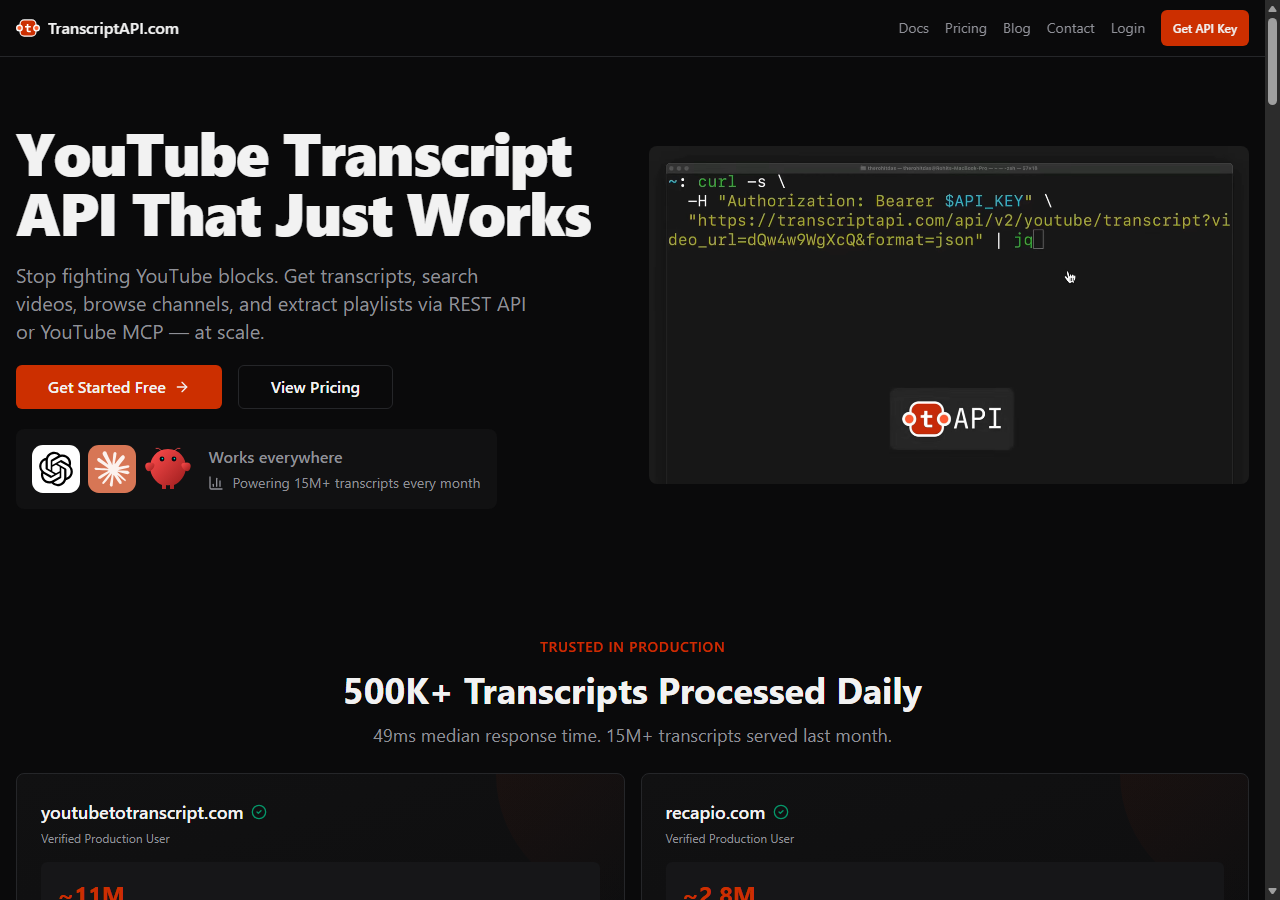
TranscriptAPI.com was the best fit for whole-channel and playlist jobs, hitting a 91% success rate in my testing. Beyond transcripts it exposes video search, paginated channel listing, channel search, and playlist extraction from one API, so I could resolve a channel handle, page through its uploads, and pull every transcript without stitching together separate tools. It also ships a native MCP integration for AI agents like ChatGPT, Claude, and Cursor.
What it returns. Transcript JSON plus the surrounding metadata you need to find videos in the first place: search results, channel uploads, and playlist contents. Cached transcripts came back fast in my run.
- Transcript, search, channel, and playlist endpoints in one API
- Native MCP support for agent workflows
- Every plan includes every feature, no tier-gating
- Per-transcript price is the highest in this comparison at base tier
- Focused on YouTube only, no other platforms
Pricing. A free tier of 100 credits with no card, then paid plans from $5 per month for 1,000 credits (about $5.00 per 1,000), dropping to roughly $4.50 per 1,000 on annual billing, per its pricing detail. Top-up credits run $2.50 per 1,000 monthly.
Best for. Channel-wide and playlist-wide transcript pulls where you also need search and listing endpoints.
5. Firecrawl - best for agent and MCP workflows
Firecrawl was the best fit for agent-driven workflows, returning usable transcript content at an 89% success rate when I pointed it at watch URLs. It is a general web extraction platform with strong agent tooling: a CLI, an MCP server that connects to Claude, ChatGPT, Cursor, and Windsurf, and a full API. It is not a YouTube-specific transcript tool, so the output needed a little more shaping than a dedicated API, but the tooling around it is the most agent-ready here.
What it returns. Extracted page content as markdown or structured data through one endpoint, which for a watch URL includes the transcript text. Language selection is less direct than a dedicated transcript API.
- Mature MCP server and CLI for AI agents
- One platform for transcripts and general web extraction
- Clear per-page credit pricing
- Generic extractor, so transcript shaping is on you
- No dedicated language-list or translate call
Pricing. A free tier of 1,000 credits per month, then the Hobby plan at $16 per month for 5,000 pages, where one transcript page is one credit, per its pricing page. That lands around $3.20 per 1,000 at the Hobby tier, lower on larger plans.
Best for. Teams already building on Firecrawl or driving extraction through an MCP agent.
6. Apify actors - best for cheap pay-per-result jobs
Apify was the cheapest route per result, with several community-built YouTube transcript actors and an 88% success rate on the well-maintained ones in my testing. You pick an actor, pass video URLs, and pay per result that lands in your dataset. Quality tracked the maintainer: the popular actors returned clean transcript text, and the older ones were patchier on languages and edge cases.
What it returns. Transcript text as JSON or CSV, with the exact shape depending on the actor you choose. Output was good on the maintained actors and inconsistent on the abandoned ones.
- Lowest per-result price in this comparison
- Pay-per-result, so you only pay for transcripts you keep
- Several actors to pick from for different needs
- Actor quality varies by maintainer
- You vet and pin an actor yourself
Pricing. Pay-per-result, with a well-known transcript actor priced at $0.50 per 1,000 results and others ranging up to about $3 to $4 per 1,000. Every new Apify account includes $5 of free credit to start.
Best for. Cost-sensitive batch jobs where you are willing to vet and pin a specific actor.
Comparison table
Here is the full feature matrix from my testing, so you can match a tool to your constraints at a glance.
| Feature | ChocoData | Supadata | youtube-transcript-api | TranscriptAPI.com | Firecrawl | Apify |
|---|---|---|---|---|---|---|
| Parsed transcript JSON | yes | yes | yes | yes | partial | yes |
| Works from a cloud IP | yes | yes | no | yes | yes | yes |
| No proxy setup needed | yes | yes | no | yes | yes | yes |
| List languages / translate | yes | yes | yes | partial | no | partial |
| AI fallback (no captions) | no | yes | no | no | no | no |
| Free tier | yes | yes | yes | yes | yes | trial |
| Price / 1k | ~$0.60 | ~$1.57 | free | ~$5.00 | ~$3.20 | ~$0.50 |
What teams use YouTube transcript data for
Teams pull YouTube transcript data mostly to turn spoken video into text they can search, summarize, or repurpose, and the use case decides how much volume you need and therefore which tool fits. The four I see most often:
- AI summarization and chat: feeding the transcript to an LLM to generate a summary, chapter list, or Q&A, which is the fastest-growing use and the one I cover in summarizing a YouTube transcript with AI.
- Search and RAG indexes: making a back catalog of videos searchable by indexing the transcript content, where coverage across many videos matters more than any single fetch.
- Content repurposing: turning a video into a blog post, newsletter, or social clips from the transcript text, usually a steady trickle of single videos.
- Subtitle and accessibility work: exporting SRT or VTT subtitle files for editing or compliance, where the timed format matters.
Summarization and repurposing rarely need the scale that justifies a heavy managed contract, so the right pick is usually the tool that returns clean transcript data with the least operational overhead, which is the question the final section settles.
How to choose
Choose by where your code runs and how much you need beyond the raw transcript. Running locally from a home or office IP, the free youtube-transcript-api library is the best tool and costs nothing; the moment you deploy to a server it throws IpBlocked, and a managed API like ChocoData was the cleanest route in my testing, returning parsed transcript JSON from a datacenter IP for about $0.60 per 1,000. If you must get a transcript for every video, including ones with no caption track, Supadata’s AI fallback earns its higher price, and for whole channels and playlists TranscriptAPI.com bundles the search and listing endpoints you need. If you are driving everything through an AI agent Firecrawl’s MCP server fits, and for the cheapest pay-per-result batch a vetted Apify actor wins on price.
The one path I would avoid is renting and rotating your own Webshare residential proxy pool just to keep the free library alive on a server, unless proxy management is itself the thing you want to build. For most teams the upkeep outweighs the savings, which is the same conclusion I reached in my guide on how to scrape YouTube. Before you automate any bulk pull, it is also worth knowing where the line sits with YouTube’s Terms of Service, which I break down in whether scraping YouTube is legal.
FAQ
What is the best YouTube transcript API in 2026?
In my testing the best overall YouTube transcript API was ChocoData, which returned parsed transcript JSON at a 97% success rate from a cloud server with no proxy setup on my side. Supadata was the strongest managed alternative because it adds an AI fallback for videos with no caption track, and the free youtube-transcript-api Python library was the best zero-cost option when run from a residential IP.
Is there a free YouTube transcript API?
Yes. The youtube-transcript-api Python library is free and open source, needs no API key, and returns the transcript with text, start, and duration fields. It works reliably from a home or office IP. The catch is that YouTube blocks most cloud-provider IPs, so the same code throws an IpBlocked exception when you deploy it to a server.
How much does a YouTube transcript API cost?
Pricing in this comparison ranged from free (the open-source Python library within a residential IP) to roughly 0.50 to 5.67 USD per 1,000 transcripts for managed APIs, depending on the volume tier. ChocoData worked out to about 0.60 USD per 1,000 on its Pro plan, with a free tier of 1,000 requests to start.
Why does youtube-transcript-api say my IP is blocked?
An IpBlocked or RequestBlocked exception means YouTube refused the request because it came from an IP it has flagged. The library's own README states that YouTube blocks most IPs belonging to cloud providers like AWS, Google Cloud Platform, and Azure. A request from a laptop on home wifi usually succeeds; the identical request from a Lambda function fails. The fix is a residential proxy or a managed transcript API that owns the proxy layer.
Can the official YouTube Data API download transcripts?
The YouTube Data API v3 can download captions through its captions.download method, but only for videos the authenticated account has permission to edit. It requires OAuth 2.0 with the youtube.force-ssl scope and returns a forbidden (403) error for videos you do not own, so it does not work for extracting transcripts from arbitrary public videos.