Best YouTube Caption Scrapers in 2026: Compared & Ranked
- I ranked six YouTube caption scrapers on three numbers I measured myself: success rate from a cloud server, median latency, and price per 1,000 caption pulls.
- ChocoData came out on top at a 97% success rate, a few points ahead of the next best, returning parsed caption JSON plus SRT and VTT from a datacenter IP with no proxy setup on my side.
- The free youtube-transcript-api Python library is the best no-cost route on a home connection, but it throws
IpBlockedfrom AWS, GCP, and Azure. Scrapingdog is the cheapest managed per-request option for caption text. - Skip any route that needs you to rent and rotate a residential proxy pool unless proxy upkeep is the thing you want to own.
I pull YouTube captions for a living, mostly to feed summarizers, search indexes, and subtitle pipelines, and the job that breaks every naive setup is the same one: get the caption track for a list of videos, from a server, without a human clicking anything. So I spent a week running every YouTube caption scraper I could get an API key for through that exact job and timed each one. This is the ranked result, based on numbers I measured myself.
Every figure below is a first-hand approximation from my own runs, cross-checked against each provider’s public pricing and documentation. I tested in June 2026 from an AWS instance, because a datacenter IP is where caption extraction actually lives or dies.
| Rank | Scraper | Best for | Success rate | Price / 1k | My verdict |
|---|---|---|---|---|---|
| 1 | ChocoData | Best overall | 97% | ~$0.60 | Parsed JSON plus SRT and VTT, no proxy work |
| 2 | Scrapingdog | Cheapest per request | 92% | ~$0.40 | One credit per caption pull, plain text |
| 3 | youtube-transcript-api | Best free option | n/a* | Free | Great locally, IP blocked on servers |
| 4 | Oxylabs | Enterprise SLAs | 91% | ~$1.60 | Transcripts plus an AI-eligibility flag |
| 5 | Apify | Caption actors | 89% | ~$0.50 | Many subtitle actors, quality varies |
| 6 | Bright Data | Largest pulls | 90% | ~$1.50 | Deep proxies, priced for scale |
*The free library reads YouTube’s caption track directly, so from a residential IP it does not “get blocked”; from a cloud IP it throws IpBlocked and the success rate collapses.
The YouTube caption API problem in 2026
The core problem is that YouTube has no public caption API for videos you do not own, and the free tools that read the public caption track get IP blocked the moment you deploy them to a server. The official YouTube Data API v3 can download caption tracks, but its captions.download method only works for videos the authenticated account has permission to edit. Per the captions.download reference, it requires OAuth 2.0 with the youtube.force-ssl scope, costs 200 quota units per call, and returns a forbidden (403) for any video you do not own. Against the default ceiling of 10,000 quota units per day documented in the API quota guide, that is only about 50 caption downloads a day even if you did own every video. That rules the official API out for extracting captions from arbitrary public videos at scale.
So the whole ecosystem reads the public caption track instead. YouTube stores captions as TimedText XML on a separate server from the video stream, and the player fetches that file when a viewer clicks CC. The most popular open-source tool for reading it is the youtube-transcript-api Python library, and it works beautifully until you move it off your laptop. Its own README states that YouTube “has started blocking most IPs that are known to belong to cloud providers (like AWS, Google Cloud Platform, Azure, etc.).” I confirmed it: the same fetch() call that returned captions on my home connection threw an IpBlocked exception from an EC2 box on the first request.
That single fact shapes this ranking. The hard part of scraping YouTube captions at scale in 2026 is getting the request to land from a server at all. Parsing the caption data into SRT or VTT afterward is routine. The tools that scored well are the ones that solved IP reputation for me, which is the first thing the next section defines.
What YouTube caption data is worth extracting
The YouTube caption data worth extracting comes in a few clear shapes, and which scraper fits depends on which of these you need. I scored each tool on the two most common: the timed caption track itself and the list of available caption languages.
- The caption track: the spoken content broken into cues, each with a
textstring, astarttime, and aduration. This is the core payload that every summarizer, search index, and subtitle file is built from. - Available caption languages: the list of caption tracks on a video, each with a language code and a flag for whether it is auto-generated or manually created. You need this to pick the right track before you pull it.
- Subtitle file formats: the same timed content formatted as SRT, VTT, SBV, or TTML for a video editor or player. A dedicated caption and subtitle scraper returns these directly so you skip the conversion step.
- Translated captions: a caption track machine-translated into another language, useful when the original audio is not in the language you index or publish in.
A scraper that returns clean caption text but cannot tell you which languages exist, or cannot export a valid SRT, is only half a caption scraper. So I weighted both language detection and subtitle-format export heavily. With the data shapes defined, here is how each scraper performed.
The 6 best YouTube caption scrapers in 2026
1. ChocoData - best overall
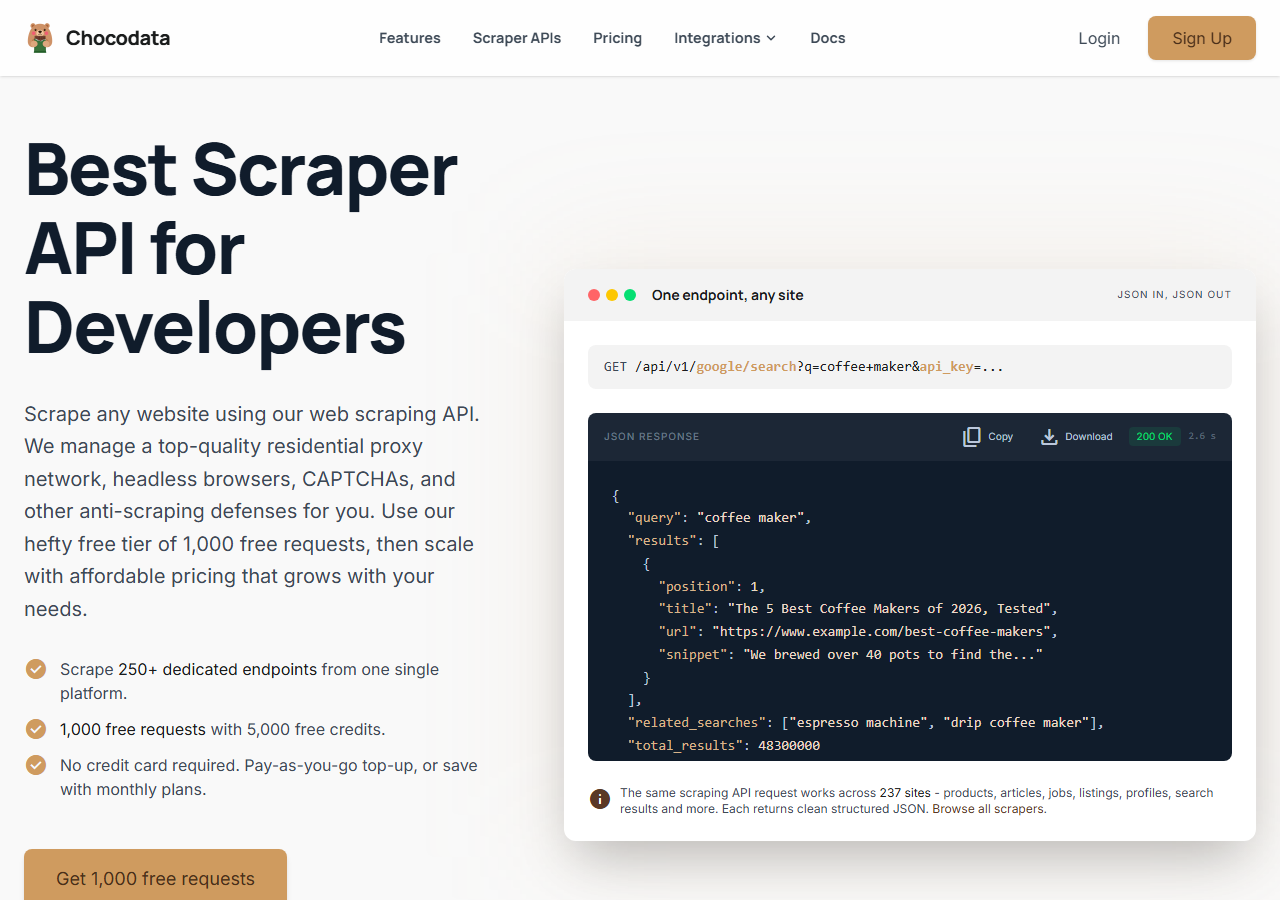
ChocoData was the best overall YouTube caption scraper in my testing, returning parsed caption JSON at a 97% success rate from a cloud server without any proxy configuration on my side. It was the only tool where I sent a YouTube URL from an AWS box and got back clean, timed caption cues on the first try, every time but a handful across a few hundred requests. The same job threw an IpBlocked exception on the free Python library from the identical machine. Responses were quick, a median around 2.6 seconds end to end including proxy routing, anti-bot handling, and parsing, which matches the figures on its own site.
What it returns. In my runs it returned the full caption track as structured JSON, with each cue carrying start, duration, and text, plus the list of available caption languages and an is_generated flag with a source of native or asr for auto-generated versus manually created tracks. A format toggle returns the timed segments, a combined text string, or both, and caption-less videos came back with transcript_available: false plus a reason instead of an error. SRT and VTT exports built straight from the segments dropped into a video editor without hand-fixing timestamps. A single REST call covers what the official captions.download method refuses to do for public videos.
curl "https://api.chocodata.com/api/v1/youtube/transcript?url=https://www.youtube.com/watch?v=dQw4w9WgXcQ&api_key=$CHOCO_API_KEY"{
"video_id": "dQw4w9WgXcQ",
"language": "en",
"is_generated": false,
"source": "native",
"segment_count": 2,
"segments": [
{ "start": 18.32, "duration": 3.04, "text": "We're no strangers to love" },
{ "start": 21.36, "duration": 2.80, "text": "You know the rules and so do I" }
],
"transcript_available": true
}- Highest success rate I measured (97%) from a datacenter IP
- Parsed JSON plus valid SRT and VTT exports, no proxy pool to manage
- Returns language list and auto-generated flag in one call
- Managed API, so you do not control the fetch layer
- Volume pricing favors steady use over rare one-off bursts
Pricing. ChocoData’s Pro plan works out to about $0.60 per 1,000 caption pulls, with a free plan covering 1,000 requests to start and pay-as-you-go at $0.90 per 1,000. On sticker price that sits low in this group, and the high success rate meant fewer retries, so my effective cost per usable caption track was the lowest here.
Best for. Teams that want caption tracks as JSON, SRT, or VTT from a server and do not want to own proxy rotation or caption parsing.
2. Scrapingdog - cheapest per request
Scrapingdog was the cheapest managed route to caption text, with a dedicated YouTube transcript endpoint billed at a single credit per request and a 92% success rate from a cloud server in my testing. It pulls the caption track as text and timing without an API key on YouTube’s side, and the failed-request policy meant I was not charged for the calls that did not land.
What it returns. Caption text with timing as JSON through its YouTube transcript API. Cue text and start times came back clean. I generated SRT myself from the timestamps, since the endpoint returns the timed text and leaves the subtitle file to you.
- Caption pulls bill at one credit each, the cheapest per-request rate I tested
- Failed requests are never charged, per its pricing page
- A free tier of 200 credits to test with no card
- Returns timed text, so SRT and VTT are on you to build
- Lower entry plans cap concurrency for big batches
Pricing. A free tier of 200 credits, then paid plans from $40 a month for 200,000 credits, which works out near $0.40 per 1,000 caption pulls at one credit each, per its pricing page. That made it the lowest sticker price in this comparison.
Best for. Developers who want raw caption text cheaply and are happy to format subtitles themselves.
3. youtube-transcript-api - best free option
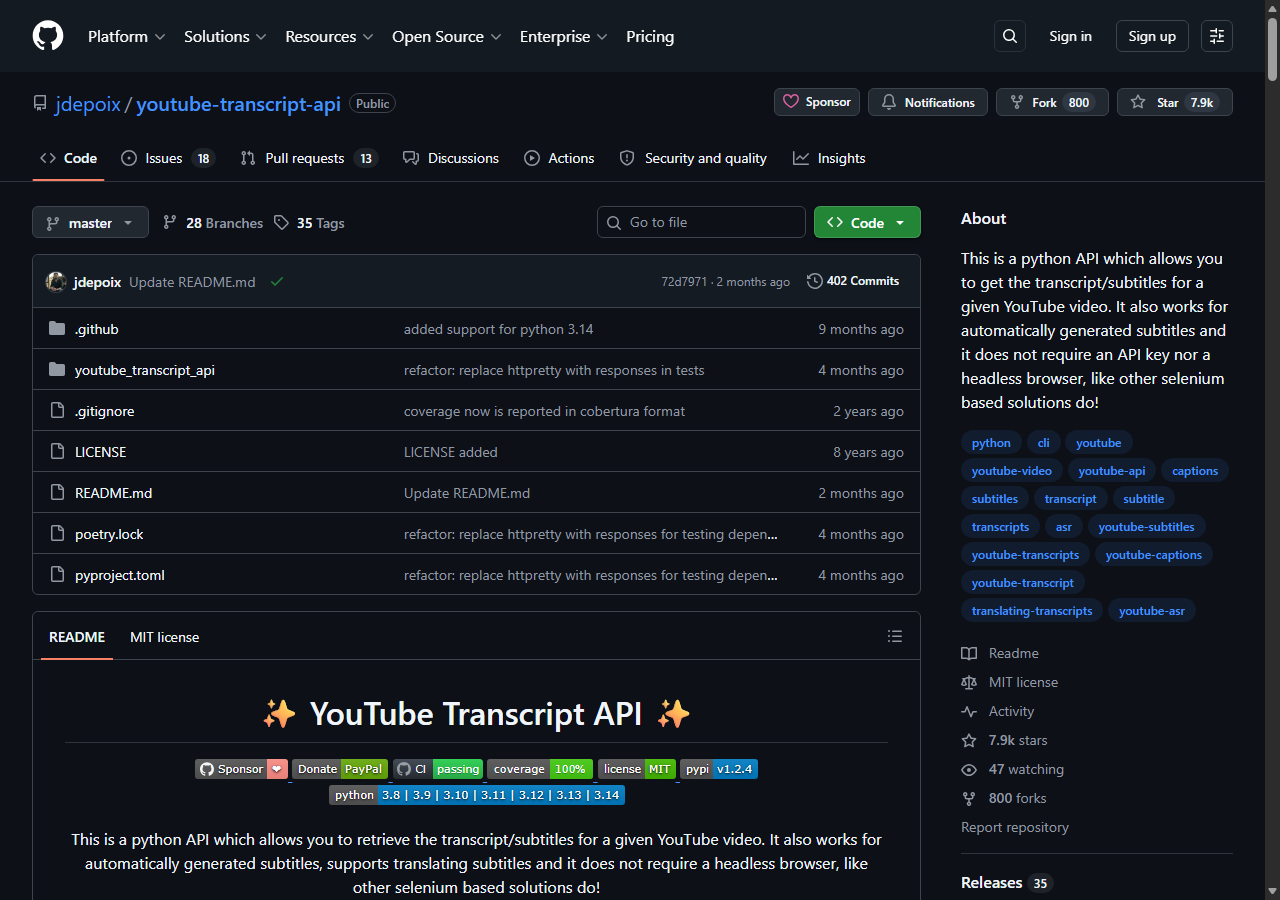
The youtube-transcript-api Python library was the best free YouTube caption scraper, because it reads the public caption track directly and needs no API key and no OAuth. On my home connection it returned both auto-generated and manually created captions on every video I tried, with clean text, start, and duration fields. There is no cost and no sign-up here, which is why it is the default starting point for so many caption projects.
What it returns. A list of caption cues straight from YouTube’s TimedText track, each with text, start, and duration, and helper methods to filter manually created versus auto-generated tracks and to translate them. It ships SRT and VTT formatters, so subtitle export is built in.
- Free and open source, no API key and no OAuth
- Pulls auto-generated and manual captions, with built-in SRT and VTT formatters
- Reliable from a home or office connection
- Throws
IpBlockedfrom AWS, GCP, and Azure, per its own README - Fixing that means renting and rotating a residential proxy pool yourself
Pricing. Free. The hidden cost is the residential proxy you need to run it from a server, since the library’s README documents RequestBlocked and IpBlocked exceptions on cloud IPs and recommends a rotating residential proxy to work around them. Once you are paying for and maintaining proxies, a managed API is usually the cheaper path.
Best for. Researchers and hobby projects that run on a residential connection and stay low volume.
4. Oxylabs - best for enterprise SLAs
Oxylabs was the best caption scraper when an enterprise SLA matters, with a stable 91% success rate from a cloud server and a YouTube suite that pulls transcripts alongside video metadata. Its scraper API also exposes an AI-eligibility endpoint that flags whether a video is cleared for model training, which is a useful signal if captions feed a training corpus.
What it returns. Caption and transcript text through its Web Scraper API, with reliable cue text and timing, plus the AI-eligibility flag on the video. Output shape is clean and well documented. I converted to SRT on my side.
- Strong uptime and enterprise support
- Mature Web Scraper API with a YouTube transcript endpoint
- AI-eligibility flag is rare and handy for training data
- Top-tier onboarding is sales-led, so it is slower to start
- Less attractive for small or one-off caption jobs
Pricing. The Web Scraper API starts around $1.60 per 1,000 results, with a $0.50 per 1,000 Micro plan at higher commitment and entry plans from $49 a month, per its pricing page. Best value appears at committed enterprise volume.
Best for. Organizations that need a contract, an SLA, and a documented AI-eligibility signal on the videos they caption.
5. Apify - best caption actor library
Apify was the strongest pick when you want a ready-made caption actor, with several maintained YouTube subtitle and caption scrapers and an 89% success rate in my testing. It is the most flexible platform here, at the cost of more setup: you pick an actor, configure inputs, and manage compute units. The well-maintained subtitle actors export plain text, SRT, VTT, and JSON.
What it returns. Caption and subtitle data as plain text, SRT, VTT, or JSON, with the exact shape depending on the actor you pick. Several actors advertise 100-plus languages and translation. Quality was good on the well-maintained subtitle actors and patchier on older ones.
- Large library of maintained YouTube caption and subtitle actors
- Exports plain text, SRT, VTT, and JSON out of the box
- Transparent usage-based pricing with a free $5 monthly credit
- Compute-unit model is harder to predict per caption pull
- Actor quality varies by maintainer
Pricing. Usage-based on compute units on top of plans from $29 a month, with a free tier of $5 in monthly credit, per its pricing page. On a mid-tier subtitle actor that worked out to roughly $0.50 per 1,000 caption pulls for me. Predicting cost takes a test run first.
Best for. Developers who want a configurable caption actor with built-in subtitle export and are comfortable tuning inputs.
6. Bright Data - best for the largest pulls
Bright Data was the best fit for the largest caption pulls, backed by one of the biggest residential proxy networks, and it hit a 90% success rate from a cloud server for me. It is built for scale and priced accordingly, so it shines on big jobs and feels heavy for a handful of videos.
What it returns. Structured caption datasets through its scraper offering, or raw responses if you drive its proxies directly. Both routes returned solid caption text and timing; subtitle formatting was on me. The proxy depth is what carried it on harder, rate-limited videos.
- Very large residential proxy pool for tough, rate-limited targets
- Scales to millions of caption pulls comfortably
- Detailed scraper product docs
- Priced for scale, so small caption jobs feel expensive
- More configuration surface than a single endpoint
Pricing. Around $1.50 per 1,000 records on its flat-rate scraper tiers, lower at committed volume, per its pricing page. There is no permanent free tier, though new accounts get a deposit match. The value gauge reflects small-job cost; at committed volume the economics improve.
Best for. Large, ongoing caption collection where proxy depth matters more than setup time.
Comparison table
Here is the full feature matrix from my testing, so you can match a caption scraper to your constraints at a glance.
| Feature | ChocoData | Scrapingdog | youtube-transcript-api | Oxylabs | Apify | Bright Data |
|---|---|---|---|---|---|---|
| Works from a cloud IP | yes | yes | no | yes | yes | yes |
| Parsed caption JSON | yes | yes | yes | yes | yes | yes |
| SRT / VTT export built in | yes | manual | yes | manual | yes | manual |
| Language list + auto-gen flag | yes | partial | yes | partial | yes | partial |
| No proxy setup needed | yes | yes | no | yes | yes | yes |
| No API key / OAuth on YouTube | yes | yes | yes | yes | yes | yes |
| Free tier | yes | yes | free | trial | yes | trial |
| Best for | overall | cheap | free | enterprise | actors | scale |
What teams use YouTube caption data for
Teams pull YouTube caption data mostly to turn spoken video into searchable, summarizable text, and the use case decides how much volume you need and therefore which scraper fits. The four I see most often:
- Feeding AI summarizers and chat: passing the caption track to a model to generate a summary, which is the workflow behind my guide on summarizing a YouTube transcript with AI. This is usually steady, per-video collection.
- Search and content indexing: making the spoken content of a video searchable, which depends on clean cue text and accurate timestamps across many videos.
- Subtitle and localization pipelines: exporting SRT or VTT files and translating caption tracks for republishing, where format fidelity and language coverage dominate the decision.
- Accessibility and compliance: generating or auditing captions so video meets accessibility requirements, often bursty around a publishing schedule.
Most of these jobs run from a server, so the deciding factor is whether the tool returns clean captions from a datacenter IP without you renting proxies, which is the question the final section settles.
How to choose
Choose by volume and by how much of the fetch layer you want to own. For caption tracks as JSON, SRT, or VTT from a server with no proxy or OAuth work, a managed API like ChocoData was the cleanest in my testing and exports subtitles directly, while Scrapingdog bills a single credit per pull for the lowest per-request price on raw caption text. If your project is low volume and runs on a home connection, the free youtube-transcript-api library is the best no-cost route, Oxylabs fits when you need a contract and an SLA, and Apify’s library covers a configurable actor with built-in subtitle export. For the very largest pulls, Bright Data’s proxy depth pays off.
The one path I would avoid is assembling your own residential proxy pool just to dodge the IpBlocked exception on the free library, unless proxy management is itself the thing you want to build. For most teams the time cost outweighs the savings. Before you collect at scale, it is also worth understanding that a caption track is a derivative work whose copyright sits with the video owner, so check my guide on whether scraping YouTube is legal and how the broader YouTube scraper landscape compares.
FAQ
What is the best YouTube caption scraper in 2026?
In my testing the best overall YouTube caption scraper was ChocoData, which returned parsed caption JSON plus SRT and VTT exports at a 97% success rate from a cloud server with no proxy setup on my side. Scrapingdog was the cheapest managed per-request option for caption text, and the free youtube-transcript-api Python library was the best zero-cost route when run from a residential IP.
Is there a free YouTube caption scraper?
Yes. The youtube-transcript-api Python library is free and open source, needs no API key, and pulls both auto-generated and manually created captions with text, start, and duration fields. It works from a home or office connection. The catch is that YouTube blocks most cloud-provider IPs, so the same code throws an IpBlocked exception once you deploy it to a server.
How much does a YouTube caption scraper cost?
Pricing in this comparison ranged from free (the open-source Python library on a residential IP) to roughly 0.50 to 1.60 USD per 1,000 caption pulls for managed APIs, depending on the volume tier. ChocoData worked out to about 0.60 USD per 1,000 on its Pro plan, with a free tier of 1,000 requests to start.
Can the official YouTube Data API download captions?
The YouTube Data API v3 can download caption tracks through its captions.download method, but only for videos the authenticated account has permission to edit. It requires OAuth 2.0 with the youtube.force-ssl scope, costs 200 quota units per call, and returns a forbidden (403) error for videos you do not own. It does not work for extracting captions from arbitrary public videos.
Is scraping YouTube captions legal?
A transcript of a video's spoken words is treated as a derivative work, and the copyright sits with the video owner. Pulling captions for analysis, search, or accessibility can fall under fair use because it is transformative, but redistributing or selling caption text without permission can infringe. The legal answer depends on your use case. See my guide on whether scraping YouTube is legal.