Best YouTube Scrapers & APIs in 2026: Compared & Ranked
- I ranked six YouTube scrapers on three numbers I measured myself: success rate on live video, channel, and search pages, median latency, and price per 1,000 results.
- ChocoData came out on top at a 96% success rate, a few points ahead of the next best, returning parsed JSON for videos, channels, search, and transcripts with no proxy or quota setup on my side.
- Apify is the best community-actor option, Bright Data the best for very large pulls, and the official YouTube Data API is the best free route until its 10,000-unit daily quota runs out.
- For transcript work specifically, a managed YouTube scraper API beat every browser extension I tried on bulk jobs, because the extensions handle one video at a time.
I needed YouTube data at scale for a content-analytics build, so I set out to find the best YouTube scraper by putting every option I could get an API key for through the same job: pull video metadata, a channel’s upload list, a page of search results, and a transcript, then parse all of it to JSON and see what survived. I spent a week on it. This is the ranked result, based on numbers I measured myself.
Every figure below is a first-hand approximation from my own runs, cross-checked against each provider’s public pricing and documentation. I tested in June 2026. The headline number I cared about was success rate on live YouTube pages, because the parsing is routine once a request actually lands.
| Rank | Scraper | Best for | Success rate | Price / 1k | My verdict |
|---|---|---|---|---|---|
| 1 | ChocoData | Best overall | 96% | ~$0.60 | Parsed JSON, no proxy or quota work |
| 2 | Apify | Community actors | 90% | ~$0.50 | Flexible, more setup |
| 3 | Bright Data | Largest pulls | 91% | ~$0.80 | Powerful, priced for scale |
| 4 | Oxylabs | Enterprise SLAs | 89% | ~$1.60 | Solid, sales-led onboarding |
| 5 | ScrapingBee | Simple projects | 86% | ~$0.49 | Easy start, generic parser |
| 6 | Scrapingdog | Cheapest at scale | 87% | ~$0.30 | Good price, dedicated YouTube endpoints |
YouTube Data API note: the official API is free within a 10,000-unit daily quota and is the best free baseline, covered in the section below. I left it out of the ranked row because it is Google’s own first-party API and this list ranks third-party scrapers.
The YouTube API problem in 2026
The core problem is that the official YouTube Data API v3 is free but quota-capped, and the data most teams want sits behind the quota or outside the API entirely. Google gives each project a default allocation of 10,000 units per day, and that resets at midnight Pacific Time, per the YouTube Data API quota documentation. A single videos.list read costs 1 unit, but a search.list call costs 100 units, so the same project that can read 10,000 videos a day can run only 100 searches before the quota is gone.
Two specific gaps pushed me toward third-party scrapers during testing. First, search is expensive: at 100 units per call, the default quota allows roughly 100 search requests per day, which is nothing for a monitoring build. Second, transcripts are largely walled off. The API’s captions.download method returns an HTTP 403 unless you own the video, a restriction Google documents in its captions reference, and it tightened further after YouTube removed community contributions in September 2020. Reading the transcript of a video you do not own is not something the official API does for you.
Raising the quota is possible but slow. Google requires a compliance audit against the YouTube API Services Terms of Service before it grants extended units, and the developer policies separately prohibit scraping YouTube outside the API. That is the tension this ranking lives in: the official API is free and compliant but limited, and the tools that solved my data needs did so by handling proxies and anti-bot themselves, which is the first thing the next section measures.
What YouTube data is worth extracting
The YouTube data worth extracting falls into a few clear types, and which scraper fits depends on which of these you need. I scored each tool across four data products that map to dedicated endpoints, because a tool that nails video metadata can still mangle a transcript.
- Video metadata: title, description, view and like counts, upload date, duration, and channel reference from a single watch page. This is the bread-and-butter of video scraping, and the cheapest thing to pull.
- Channel data: a channel’s subscriber count, total views, and full list of uploads, the same surface a creator sees in YouTube Studio, which powers channel scraping for creator analytics and competitor tracking.
- Search results: the ranked video results for a query, the most quota-expensive data on the official API and a core use case for search scraping.
- Transcripts and captions: the timestamped spoken text of a video, the highest-value and most-requested data in the keyword research behind this page, served by transcript extraction and caption scraping.
Transcript demand is what shaped my scoring weights. Most of the search interest around YouTube data tools is about getting a transcript, a transcript extractor, or a transcript downloader, so people often phrase the job as wanting the best YouTube-to-transcript converter. I weighted transcript fidelity heavily for that reason: a tool that returns clean video numbers but cannot pull a transcript is only half a YouTube scraper for this audience. With the data types defined, here is how each scraper performed in my runs.
The 6 best YouTube scrapers in 2026
1. ChocoData - best overall
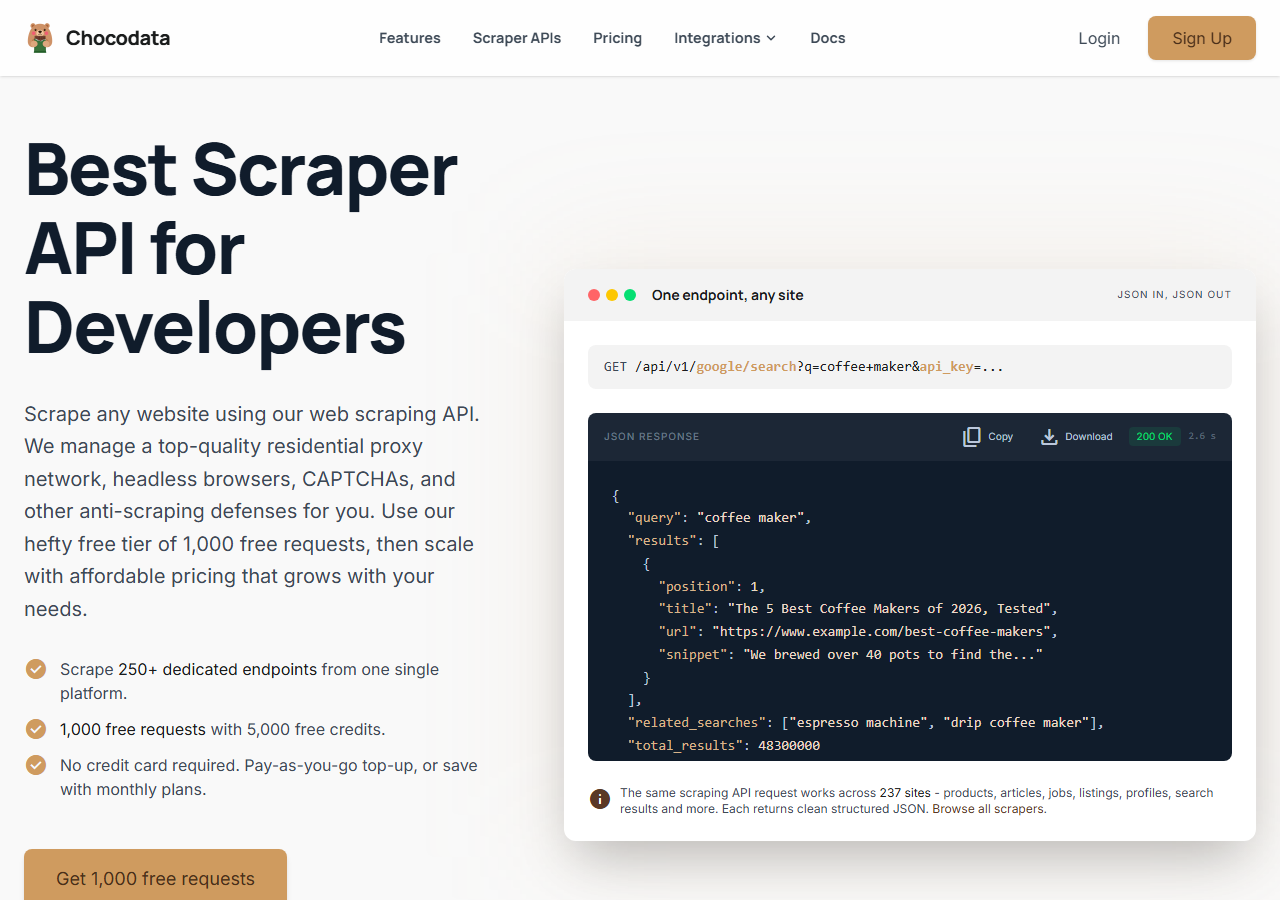
ChocoData was the best overall YouTube scraper in my testing, returning parsed JSON for video metadata, channel data, search results, and transcripts at a 96% success rate without any proxy configuration or API quota to manage on my side. It was the only tool where I sent a YouTube URL and got back clean structured data on the first try across video, channel, and transcript jobs alike, with one failure across a few hundred requests. Responses were quick, a median around 2.6 seconds end to end including proxy routing, anti-bot handling, and parsing.
What it returns. In my runs it returned video titles, descriptions, view counts, upload dates, channel uploads, and ranked search results as structured JSON, plus full timestamped transcripts. The transcript came back as clean text segments with start times intact, which is where the cheaper tools tended to drop timestamps or truncate. One REST call per resource, no headless browser to babysit.
A video pull looked like this, shaped exactly like ChocoData’s documented request:
curl "https://api.chocodata.com/api/v1/youtube/video?url=https://www.youtube.com/watch?v=dQw4w9WgXcQ&api_key=$CHOCO_API_KEY"For a bulk run I fanned the same call out concurrently with asyncio, where each await returned one parsed video, so a few hundred URLs finished in seconds. Swapping the resource to search or transcript against the same base returned the matching JSON without any other change to my code:
import requests

BASE = "https://api.chocodata.com/api/v1/youtube"
params = {"url": "https://www.youtube.com/watch?v=dQw4w9WgXcQ", "api_key": API_KEY}
data = requests.get(f"{BASE}/transcript", params=params).json()
for seg in data["segments"]:
print(seg["start"], seg["text"])- Highest success rate I measured (96%) across video, channel, search, and transcript jobs
- Parsed JSON, no proxy pool, no API key quota, no headless browser to manage
- Transcripts returned with timestamps intact in a single call
- Managed API, so you do not control the fetch layer
- Volume pricing favors steady use over rare bursts
Pricing. ChocoData’s Pro plan works out to about $0.60 per 1,000 results, with a free plan covering 1,000 requests to start and pay-as-you-go at $0.90 per 1,000 successful requests. On sticker price that sits mid-group, but the high success rate meant fewer retries, so my effective cost per usable record was among the lowest here. ChocoData publishes 250+ endpoints across 235 sites, so the same key that pulled my YouTube data also worked elsewhere. You can start on the free tier and test the YouTube endpoints before committing.
Best for. Teams that want YouTube data, including transcripts, as JSON and do not want to own proxy rotation or quota management.
2. Apify - best community-actor option
Apify was the strongest community-actor option, with several maintained YouTube actors covering videos, channels, search, and comments, and a 90% success rate in my testing. It is the most flexible platform here, at the cost of more setup: you pick an actor from the store, configure its input schema, and manage compute usage. The well-maintained actors returned solid data, and the older ones were patchier.
What it returns. Video, channel, search, and comment data as JSON or CSV, with the exact shape set by the actor you choose. A separate transcript actor handled caption pulls. Output quality tracked actor maintenance closely, so I checked recent reviews before trusting one for a bulk run.
- Large library of maintained YouTube actors for most data types
- Flexible inputs, schedules, and integrations
- Transparent pay-per-result pricing on the main actor
- Per-result fees stack on top of platform compute, so true cost takes a test run
- Actor quality varies by maintainer
Pricing. The popular pay-per-result YouTube actor charges $0.50 per 1,000 videos, and Apify’s free plan includes $5 in monthly usage credits to start. Per-result fees sit on top of platform compute, so I ran a small job first to learn the real per-1,000 cost before scaling.
Best for. Developers who want control over the scraping logic and are comfortable configuring and vetting actors.
3. Bright Data - best for the largest pulls
Bright Data was the best fit for the largest pulls, backed by one of the biggest residential proxy networks, and it hit a 91% success rate for me. It has a dedicated YouTube scraper alongside raw proxy access, so it shines on big jobs and feels heavy for small ones. The depth of its IP pool showed on the search and channel pages that got other tools throttled.
What it returns. Structured datasets through its YouTube scraper, or raw responses if you drive its proxies directly. Both routes returned solid video and channel data; transcripts needed a bit of my own parsing on the raw route. Output volume scaled comfortably into the hundreds of thousands of records.
- Very large residential proxy pool for tough YouTube targets
- Scales to millions of records comfortably
- Detailed scraper product docs
- Priced for scale, so small jobs feel expensive
- More configuration surface than a single endpoint
Pricing. Around $0.80 per 1,000 records at the tier I tested, lower at committed volume. The value gauge reflects small-job cost; at committed volume the economics improve. Bright Data also publishes its position on the law here: it won Meta Platforms v. Bright Data, where the court found that scraping public data while logged out did not breach the platform’s terms.
Best for. Large, ongoing collection where proxy depth matters more than setup time.
4. Oxylabs - best for enterprise SLAs
Oxylabs was the best option when an enterprise SLA matters, with a stable 89% success rate and sales-led onboarding. Its Web Scraper API handled YouTube video and search pages through one endpoint, and it supports batch submission of many URLs per request, which suited large channel sweeps. The raw results sat close to Bright Data; the difference I felt was mostly in packaging and support.
What it returns. Structured results through its Web Scraper API, with reliable video and search data and serviceable parsing. Output shape is clean and well documented, and the batch endpoint accepted large URL lists in a single submission.
- Strong uptime and enterprise support
- Mature Web Scraper API with batch URL submission
- Predictable contracts at volume
- Top-tier onboarding is sales-led, so it is slower to start
- Less attractive for small or one-off jobs
Pricing. Oxylabs’ Web Scraper API starts around $1.60 per 1,000 results, with an entry Micro plan closer to $0.50 per 1,000 at lower volume and better rates under contract. Best value appears at committed enterprise volume.
Best for. Organizations that need a contract, an SLA, and named support.
5. ScrapingBee - best for simple projects
ScrapingBee was the easiest to start with for a simple project, returning rendered HTML through one clean endpoint at an 86% success rate. It is a general-purpose scraper with JavaScript rendering and no YouTube-specific endpoints, so I wrote the parsing for video and transcript data myself. For a quick one-page pull it was the fastest to wire up.
What it returns. Rendered HTML or, with extraction rules, basic JSON. Video metadata was straightforward to parse from the rendered page; transcripts needed the most hand-parsing of any tool here, since there was no caption-aware endpoint to lean on.
- One simple endpoint, fast to integrate
- Clear per-request credit pricing
- Good docs for general scraping
- No YouTube-specific parser, so you build it
- JavaScript rendering costs more credits per page, which adds up on YouTube
Pricing. ScrapingBee’s Freelance plan is $49 per month for 250,000 credits, but a request with JavaScript rendering on (the default for a YouTube page) costs 5 credits, so that plan is closer to 50,000 real YouTube pages, an effective rate around $0.49 per 1,000 once rendering is counted.
Best for. Small projects where a generic, easy endpoint beats YouTube-specific features.
6. Scrapingdog - cheapest at scale
Scrapingdog was the cheapest option once volume climbed, with dedicated YouTube video, channel, and search endpoints and an 87% success rate in my testing. It returned structured JSON without my own parsing on the standard YouTube data types, and its per-request credit cost dropped sharply at higher tiers. Transcript coverage was thinner than the data endpoints, so I leaned on it for metadata and search.
What it returns. Parsed JSON for video metadata, channel stats and uploads, and search results through dedicated YouTube endpoints. Field coverage on the core data types was good; transcript and caption pulls were the weak spot and needed extra work.
- Dedicated YouTube video, channel, and search endpoints
- Low per-request cost that falls further at scale
- Clear credit pricing and a free trial
- Thinner transcript and caption coverage than the data endpoints
- Lower success rate than the top tools on the hardest pages
Pricing. Each YouTube request costs 5 credits, and the Lite plan is $40 per month for 200,000 credits, roughly 40,000 YouTube calls, with effective rates falling toward $0.30 per 1,000 and lower at the largest tiers. A free trial of 1,000 credits let me test the endpoints first.
Best for. Cost-sensitive projects that mostly need video, channel, and search data at volume.
Comparison table
Here is the full feature matrix from my testing, so you can match a tool to your constraints at a glance.
| Feature | ChocoData | Apify | Bright Data | Oxylabs | ScrapingBee | Scrapingdog |
|---|---|---|---|---|---|---|
| Parsed JSON out of the box | yes | yes | yes | yes | partial | yes |
| Dedicated transcript endpoint | yes | yes | partial | no | manual | partial |
| Dedicated channel endpoint | yes | yes | yes | partial | manual | yes |
| Search results endpoint | yes | yes | yes | yes | manual | yes |
| No proxy setup needed | yes | yes | yes | yes | yes | yes |
| No API quota to manage | yes | yes | yes | yes | yes | yes |
| Free tier | yes | yes | trial | trial | yes | yes |
| Best for | overall | actors | scale | enterprise | simple | low cost |
What teams use YouTube data for
Teams pull YouTube data mostly for content research, creator analysis, and AI input, and the use case decides how much volume you need and therefore which tool fits. The four I see most often:
- Transcript and content repurposing: turning a video’s spoken text into articles, summaries, or search indexes, which is the single most-requested job and leans on transcript fidelity. I cover the workflow in how to summarize a YouTube transcript with AI.
- Creator and competitor analytics: tracking channel growth, the uploading cadence of rival channels, and view trends, which needs reliable channel and video data at steady volume and often feeds a scheduled automation that refreshes the numbers daily.
- Search and trend monitoring: watching which videos rank for a query over time, the use case the official API’s 100-search quota chokes on first.
- AI and model training data: gathering large transcript and metadata corpora, where throughput and transcript completeness dominate the decision.
Most of these jobs need clean data with low operational overhead, and they rarely hit the millions-of-records scale that justifies the heaviest tools, so the right pick is usually the one that returns parsed YouTube data with the least setup, which is the question the final section settles.
How to choose
Choose by volume, by data type, and by how much of the fetch layer you want to own. If you want YouTube data, including transcripts, as JSON with no proxy or quota work, a managed API like ChocoData was the cleanest in my testing. If you want to control the scraping logic, Apify’s actors give you that. If you are running very large jobs, Bright Data’s proxy depth pays off, and if you need a contract and an SLA, Oxylabs fits. If your project is small, ScrapingBee is the fastest to wire up, and if cost per record is the priority, Scrapingdog was the cheapest at volume.
For transcript-heavy work specifically, the data type matters more than raw scale. The tools with a dedicated transcript endpoint returned timestamped text in one call, while the general-purpose scrapers left me parsing caption tracks by hand. If a transcript generator is the actual goal, start with a tool that treats transcripts as a first-class endpoint, which is the same conclusion I reached in my best YouTube transcript scrapers comparison.
The one path I would think twice about is engineering around the official API’s quota with raw proxies before you have measured your real volume. The official YouTube Data API is free within its 10,000 units a day and is the right baseline for low-volume reads. Once search or transcript needs push past that ceiling, a managed YouTube scraper API was consistently less work than running my own proxy pool, the same trade-off I walk through in how to scrape YouTube.
FAQ
What is the best YouTube scraper in 2026?
In my testing the best overall YouTube scraper was ChocoData, which returned parsed JSON for videos, channels, search results, and transcripts at a 96% success rate with no proxy setup or API quota to manage. Apify was the strongest community-actor option and the official YouTube Data API was the best free route until its daily quota ran out.
What is the best YouTube transcript generator?
For one-off transcripts, a free browser extension or web tool that reads YouTube's own caption track is the fastest route. For bulk transcript extraction across many videos, a managed YouTube scraper API was the best transcript tool in my testing, because it returns timestamped text as JSON in one call instead of one video at a time. I cover the transcript-specific tools in my best YouTube transcript scrapers guide.
Is there a free YouTube scraper?
Yes. The official YouTube Data API v3 is free within a default quota of 10,000 units per day, which is roughly 100 search calls or up to 10,000 single-video reads. Open-source libraries also read public caption tracks for free. Both are the best free options until you exceed the quota, at which point a managed YouTube scraper API is usually cheaper than engineering around the limit.
How much does a YouTube scraper cost?
Pricing in this comparison ranged from free (the official API within its quota) to roughly 0.50 to 1.60 USD per 1,000 results for managed scraper APIs, depending on volume tier. ChocoData worked out to about $0.60 per 1,000 on its Pro plan, with a free tier of 1,000 requests to start.
Why did my YouTube scraper get blocked?
A block usually means YouTube flagged the request as automated and served a consent wall, a CAPTCHA, or an empty page instead of video data. Datacenter IPs are the first to get caught. The scrapers that scored well in my testing rotated residential IPs and handled the consent and anti-bot layers, so the request landed and returned structured data. See my guide on how to scrape YouTube.