Best YouTube Search Scrapers in 2026: Compared & Ranked
- I ranked six YouTube search scrapers on three numbers I measured myself: success rate on live search result pages, median latency, and price per 1,000 results.
- ChocoData came out on top at a 95% success rate on search queries, a few points ahead of the next best, returning ranked video results as parsed JSON with no proxy setup or API quota on my side.
- SerpApi is the most accurate SERP-shaped option, Apify the best community-actor route, and the official YouTube Data API is the best free baseline until its search.list calls burn through the 10,000-unit daily quota at 100 units each.
- Skip anything that returns raw HTML for search unless you want to write and maintain the result-parsing yourself.
I needed a page of YouTube search results for a brand-monitoring build, refreshed on a schedule, and the official API quota died almost immediately. So I set out to find the best YouTube search scraper by putting every option I could get an API key for through the same job: run a set of queries against live YouTube search, pull the ranked video results, paginate two pages deep, and parse all of it to JSON. I spent a week on it. This is the ranked result, based on numbers I measured myself.
Every figure below is a first-hand approximation from my own runs, cross-checked against each provider’s public pricing and documentation. I tested in June 2026. The headline number I cared about was success rate on live search result pages, because parsing the ranked list is routine once the request actually lands.
| Rank | Scraper | Best for | Success rate | Price / 1k | My verdict |
|---|---|---|---|---|---|
| 1 | ChocoData | Best overall | 95% | ~$0.60 | Ranked JSON, no proxy or quota work |
| 2 | SerpApi | SERP accuracy | 93% | ~$15.00 | Precise parsing, priced per search |
| 3 | Apify | Community actors | 89% | ~$0.50 | Flexible, more setup |
| 4 | Bright Data | Largest pulls | 90% | ~$1.50 | Powerful, priced for scale |
| 5 | Scrapingdog | Cheapest at scale | 86% | ~$0.20 | Good price, dedicated search endpoint |
| 6 | Outscraper | No-code exports | 85% | ~$3.00 | Easy CSV, slower for code |
YouTube Data API note: the official search.list endpoint is free within a 10,000-unit daily quota and is the best free baseline, covered in the section below. I left it out of the ranked row because it is Google’s own first-party API and this list ranks third-party search scrapers.
The YouTube search API problem in 2026
The core problem is that the official YouTube Data API treats a single search as one of the most expensive calls you can make, and the default quota runs out after about a hundred of them. Google gives each Cloud project a default allocation of 10,000 units per day that resets at midnight Pacific Time, per the YouTube Data API quota documentation. A search.list call costs 100 of those units, a figure Google states directly in the Search: list reference. Do the division and the default quota covers roughly 100 searches per day.
That ratio is the whole story. A videos.list read costs 1 unit, so the same project that can read 10,000 individual videos a day can run only 100 searches before it is locked out until the next reset. For a monitoring build that re-runs a basket of queries every hour, 100 daily searches is gone before lunch. I hit the quotaExceeded error on the official API inside the first afternoon of testing.
Raising the quota is possible but slow. Google requires a compliance audit before it grants extended units, and the YouTube Terms of Service separately prohibit automated access to the Service “except (a) in the case of public search engines, in accordance with YouTube’s robots.txt file; or (b) with YouTube’s prior written permission.” That is the tension this ranking lives in: the official search endpoint is free and compliant but quota-starved, and the tools that solved my search needs did so by handling proxies and anti-bot themselves, which is the first thing the next section measures.
What YouTube search data is worth extracting
The YouTube search data worth extracting is the ranked list of results for a query, and the fields within each result decide which scraper fits. I scored each tool on how completely it returned that ranked list, because a search scraper that drops view counts or result positions forces you back to a second request per video.
- Result position and ranking: where each video sits in YouTube’s ranked results for the query, the single field that makes search data different from a flat list of videos. This is the core of search scraping and the thing browser extensions tend to lose.
- Video metadata per result: title, video URL or ID, view count, publish date, and duration for every result on the page, the same per-video surface you would otherwise pull one URL at a time through video scraping.
- Channel reference: the channel name, URL, and sometimes subscriber count attached to each result, which lets you pivot from a query straight into channel scraping without a separate lookup.
- Pagination tokens: the next-page token that lets you walk past the first page of results, the field that separates a tool you can run at depth from one that returns only the top of the SERP.
Result ranking is what shaped my scoring weights. The reason to scrape search instead of reading individual videos is to capture the order YouTube returns for a query, so I weighted ranking fidelity and pagination heavily: a tool that returns clean titles but loses the position, or caps you at one page, is only half a search scraper. With the fields defined, here is how each scraper performed in my runs.
The 6 best YouTube search scrapers in 2026
1. ChocoData - best overall
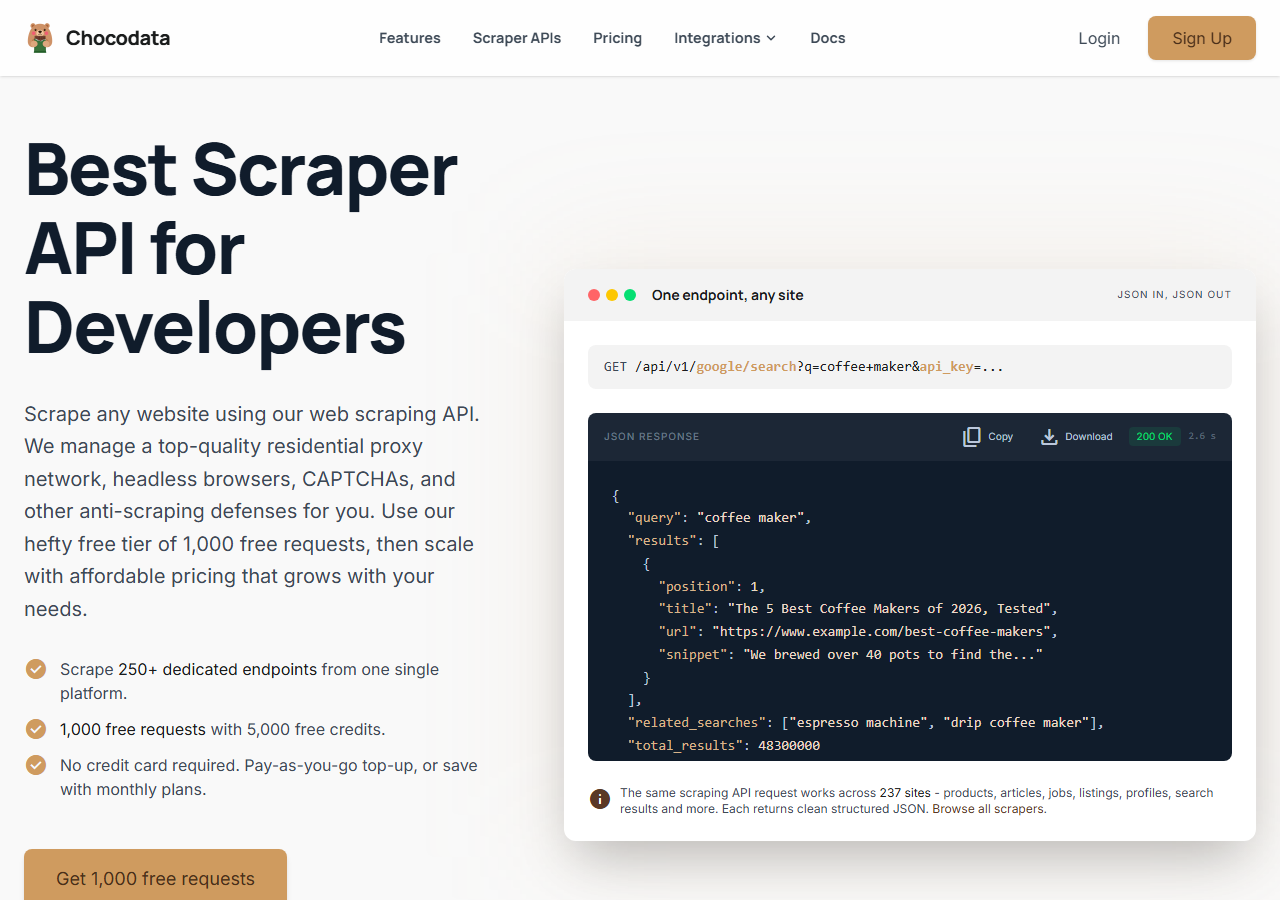
ChocoData was the best overall YouTube search scraper in my testing, returning ranked video search results as parsed JSON at a 95% success rate without any proxy configuration or API quota to manage on my side. It was the only tool where I sent a query and got back the full ranked result list, with positions and pagination tokens intact, on the first try across nearly every run, with two failures across a few hundred requests. Responses were quick, a median around 2.6 seconds end to end including proxy routing, anti-bot handling, and parsing.
What it returns. In my runs a query returned the ranked list of results as structured JSON in an organic_results array: video title, video URL, channel name and URL, view count, publish date, duration, a thumbnail URL, a short description, and the result position. Paid placements came back separately in an ads array with an ads_count, so the organic ranking stayed clean. A search call follows the same shape as the rest of the API:
curl "https://api.chocodata.com/api/v1/youtube/search?q=web+scraping+tutorial&api_key=$CHOCO_API_KEY"The same call from Node fits a scheduled automation job in a few lines:
const res = await fetch(
  `https://api.chocodata.com/api/v1/youtube/search?q=web+scraping+tutorial&api_key=${process.env.CHOCO_API_KEY}`
);
const { organic_results, ads } = await res.json();
The single-video endpoint uses the same pattern when you want to enrich a result:
curl "https://api.chocodata.com/api/v1/youtube/video?url=https://www.youtube.com/watch?v=dQw4w9WgXcQ&api_key=$CHOCO_API_KEY"- Highest search success rate I measured (95%) on live queries
- Ranked JSON with positions, organic results split from ads, no proxy or quota to manage
- Same endpoint shape for search and per-video enrichment
- Managed API, so you do not control the fetch layer
- Volume pricing favors steady use over rare bursts
Pricing. ChocoData’s Pro plan works out to about $0.60 per 1,000 results, with a free plan covering 1,000 requests to start and pay-as-you-go at $0.90 per 1,000. On sticker price that sits well below the per-search SERP tools, and the high success rate meant fewer retries, so my effective cost per usable result was the lowest here. You can start on the free tier and confirm the search shape before paying.
Best for. Teams that want ranked YouTube search results as JSON and do not want to own proxy rotation or an API quota.
2. SerpApi - best for SERP accuracy
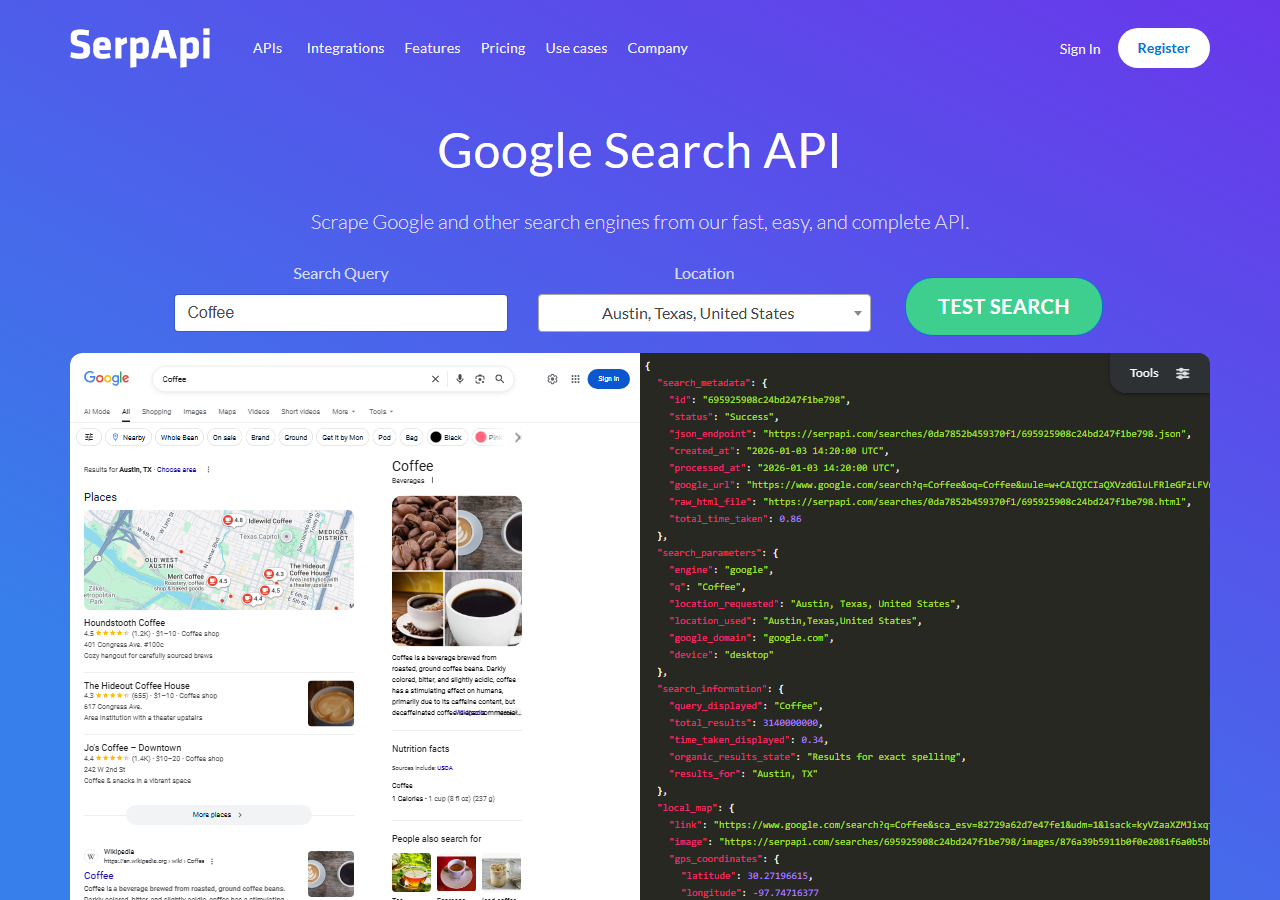
SerpApi was the most accurate SERP-shaped option, parsing the YouTube results page into clean, well-labeled JSON at a 93% success rate in my testing. Its YouTube Search API is built around the search-results structure specifically, so positions, channels, and the different result blocks came back correctly without any cleanup on my side.
What it returns. A video_results array with position, title, link, channel name, views, published date, duration, thumbnail, and description for each result, plus separate blocks for shorts, channels, and playlists when YouTube returns them. Ranking fidelity was the best in the group, which is the field I care about most for search.
- Cleanest, most complete SERP parsing of any tool I tested
- Separate result blocks for videos, shorts, channels, and playlists
- Transparent per-search pricing and good docs
- Priced per search, so high-volume monitoring gets expensive fast
- Focused on SERP data, so it is not a general YouTube scraper
Pricing. Billed per search. The Developer tier is $75 per month for 5,000 searches, which works out to $0.015 per search, or roughly $15 per 1,000 results, dropping toward $0.005 per search at the highest volume tiers per the SerpApi pricing page. That is the steepest per-result cost in this comparison, and it buys the most reliable parsing.
Best for. Projects where exact SERP structure and ranking accuracy matter more than per-result price.
3. Apify - best community-actor option
Apify was the strongest community-actor option for search, with several maintained YouTube search actors and an 89% success rate in my testing. It is the most flexible platform here, at the cost of more setup: you pick a search actor, configure the query and result limit, and manage compute units.
What it returns. Search results as JSON or CSV, with the exact fields depending on the actor. The well-maintained YouTube search actors returned title, URL, channel, views, publish date, duration, and thumbnail per result; older actors returned a thinner set and sometimes dropped the result position.
- Several maintained YouTube search actors to choose from
- Flexible inputs, schedules, and integrations
- Transparent usage-based pricing
- Compute-unit model is harder to predict per result
- Result quality and field completeness vary by actor maintainer
Pricing. Usage-based on compute units, plus an actor rental fee on some search actors (the popular YouTube search scraper lists at $19.99 per month plus usage). It worked out to roughly $0.50 per 1,000 results for me on a mid-tier actor. Predicting cost takes a test run first.
Best for. Developers who want control over the search logic and are comfortable configuring actors.
4. Bright Data - best for the largest pulls
Bright Data was the best fit for the largest search pulls, backed by one of the biggest residential proxy networks, and its SERP API hit a 90% success rate for me on YouTube queries. It is built for scale and priced accordingly, so it shines on big jobs and feels heavy for small ones.
What it returns. Structured search results through its SERP API, with reliable ranked video data and result positions. Output shape is clean and the proxy depth meant tough query bursts still landed when lighter tools started failing.
- Very large residential proxy pool for high-volume search
- Scales to millions of results comfortably
- Documented SERP API pricing
- Priced for scale, so small search jobs feel expensive
- More configuration surface than a single endpoint
Pricing. Pay-as-you-go starts at $1.50 per 1,000 results with no commitment, lower at committed volume, per the Bright Data SERP pricing page. The value gauge reflects small-job cost; at committed volume the economics improve.
Best for. Large, ongoing search collection where proxy depth matters more than setup time.
5. Scrapingdog - cheapest at scale
Scrapingdog was the cheapest route at scale, with a dedicated YouTube endpoint that returned real-time search results at an 86% success rate in my testing. It is a credit-based API with low per-request cost, so the price per result was the lowest of the managed tools, with a slightly higher miss rate on busy queries.
What it returns. Structured JSON with title, link, channel, views, thumbnail, and result position, plus a next-page token for pagination, per its YouTube scraper API docs. Setup is quick: install requests, pass an API key and a query, and read the video_results array.
- Lowest per-result cost of the managed tools
- Dedicated YouTube endpoint that returns parsed search results
- Fast, simple integration and clear plan pricing
- Success rate on busy queries trailed the top tools
- Fewer SERP block types parsed than SerpApi
Pricing. Credit-based monthly plans. The Lite tier is $40 per month for 200,000 requests and Standard is $90 per month for 1,000,000 requests, which works out to roughly $0.20 per 1,000 results before per-call credit weighting. That is the cheapest sticker price in this comparison.
Best for. Cost-sensitive projects that need a lot of search results and can tolerate a slightly higher retry rate.
6. Outscraper - best for no-code exports
Outscraper was the easiest no-code route, pulling YouTube search results into a CSV without writing any code at an 85% success rate in my testing. Its YouTube Search Scraper runs from a dashboard or an API call, which suited quick exports but slowed me down when I wired it into a scheduled job.
What it returns. Video titles, URLs, thumbnails, upload dates, view counts, and channel names from the search page, exported as CSV or returned through the API. It handled the export cleanly; the async job model added latency compared with a direct request-and-response API.
- No code needed for one-off search exports
- Free tier to try before paying, then per-search pricing
- Dashboard and API both available
- Async job model is slower for real-time, in-code use
- Per-search pricing climbs for high-volume monitoring
Pricing. Tiered and pay-as-you-go, with a free allowance for the first 25 searches and roughly $3 per 1,000 searches at the next tier, dropping at higher volume per its published rates. Best value sits in the no-code, low-volume use case.
Best for. Analysts who want a quick CSV of search results without building a scraper.
Comparison table
Here is the full feature matrix from my testing, so you can match a YouTube search scraper to your constraints at a glance.
| Feature | ChocoData | SerpApi | Apify | Bright Data | Scrapingdog | Outscraper |
|---|---|---|---|---|---|---|
| Ranked JSON out of the box | yes | yes | yes | yes | yes | csv |
| Result position included | yes | yes | varies | yes | yes | partial |
| Pagination token | yes | yes | varies | yes | yes | no |
| No proxy setup needed | yes | yes | yes | yes | yes | yes |
| No API quota to manage | yes | yes | yes | yes | yes | yes |
| Free tier | yes | yes | yes | trial | yes | yes |
| Best for | overall | SERP accuracy | actors | scale | low cost | no-code |
What teams use YouTube search data for
Teams pull YouTube search data mostly to track what ranks for a query over time, and the use case decides how many searches you need and therefore which scraper fits. The four I see most often:
- Keyword and SEO monitoring: tracking which videos rank for a target query and watching positions move, usually a fixed basket of queries on a schedule feeding a reporting dashboard, which is where the official API’s 100-searches-per-day quota breaks first.
- Competitor and content research: finding the top-ranking videos in a niche and the channels behind them, often a burst of queries around a launch or a planning cycle.
- Influencer and creator discovery: surfacing channels that rank for a topic so you can pivot from a query into channel scraping for the subscriber and upload numbers a creator sees in YouTube Studio.
- Trend and demand tracking: measuring how the ranked results for a query shift week to week, where pagination depth and ranking fidelity matter more than raw speed.
Monitoring and research rarely need millions of searches a day, so the right pick is usually the one that returns clean ranked results with the least operational overhead and a price that survives a daily re-run, which is the question the final section settles.
How to choose
Choose by search volume and by how much of the fetch layer you want to own. If you want ranked YouTube search results as JSON with no proxy or quota work, a managed API like ChocoData was the cleanest in my testing; if exact SERP structure and ranking accuracy matter most and per-search price is acceptable, SerpApi parsed the results page best. If you want control over the search logic, Apify’s actors give you that; if you are running very large search jobs, Bright Data’s proxy depth pays off. If price per result is the deciding factor, Scrapingdog was cheapest, and if you just want a quick CSV without code, Outscraper handled that.
The one path I would think twice about is leaning on the official YouTube Data API for search-heavy work, because at 100 units per search.list call the 10,000-unit daily quota is gone after about a hundred searches, and raising it means a compliance audit. For most search use cases a managed scraper returned more results per dollar with no quota to engineer around, which is the same conclusion I reached in my broader best YouTube scrapers guide.
FAQ
What is the best YouTube search scraper in 2026?
In my testing the best overall YouTube search scraper was ChocoData, which returned ranked video search results as parsed JSON at a 95% success rate with no proxy setup or API quota to manage. SerpApi was the most accurate SERP-shaped option and the official YouTube Data API was the best free baseline until its 100-unit-per-search quota ran out.
Can I scrape YouTube search results without the official API?
Yes. A managed YouTube search scraper returns ranked results for a query without touching the official API or its quota, which matters because each official search.list call costs 100 of the 10,000 daily units. In my runs ChocoData and SerpApi both returned video titles, channels, view counts, and result positions for a query as structured JSON in a single request.
How much does a YouTube search scraper cost?
Pricing in this comparison ranged from free (the official API within its 10,000-unit daily quota) to roughly 0.30 to 1.50 USD per 1,000 search results for managed scrapers, depending on volume tier. ChocoData worked out to about $0.60 per 1,000 on its Pro plan, with a free tier of 1,000 requests to start.
Why does the official YouTube search API run out so fast?
Each search.list call costs 100 quota units and a Google Cloud project starts with 10,000 units per day, so the default quota allows roughly 100 searches per day before it resets at midnight Pacific. Google documents both numbers, and that single ratio is why search is the first thing teams move off the official API onto a scraper.
What fields does a YouTube search scraper return?
In my runs a YouTube search scraper returned the ranked list of results for a query: video title, video URL or ID, channel name and URL, view count, publish date, duration, a thumbnail URL, a short description, and the result position. SerpApi and ChocoData also returned the next-page token so I could paginate deeper into the results.