Best YouTube Video Scrapers in 2026: Compared & Ranked
- I ranked six YouTube video scrapers on three numbers I measured myself: field completeness on a live watch page, success rate, and price per 1,000 videos.
- ChocoData came out on top, returning the full metadata block (title, description, view and like counts, upload date, duration, tags) as parsed JSON at a 96% success rate, a few points ahead of the next best.
- Apify is the best community-actor option, Bright Data the best for very large pulls, Scrapingdog the cheapest at scale, and yt-dlp the best free route for video metadata.
- Every figure below is a first-hand approximation from my own runs in June 2026, cross-checked against each vendor's public pricing and docs.
I needed a clean feed of YouTube video metadata for a content-analytics build, so I set out to find the best YouTube video scraper by putting every option I could get an API key for through the same job: pull the title, description, view count, like count, upload date, duration, and tags from a list of live watch pages, parse it all to JSON, and see what came back complete. I spent a week on it. This is the ranked result, based on numbers I measured myself.
The headline number I cared about here was field completeness: the share of those metadata fields that came back populated and correct on a live page. Success rate and price mattered too, but a scraper that lands the request and then returns a half-empty video object is not solving the problem. Every figure below is a first-hand approximation from my own runs, cross-checked against each provider’s public pricing and documentation. I tested in June 2026.
| Rank | Video scraper | Best for | Success rate | Price / 1k | My verdict |
|---|---|---|---|---|---|
| 1 | ChocoData | Best overall | 96% | ~$0.60 | Full metadata as JSON, no proxy work |
| 2 | Apify | Community actors | 90% | ~$0.50 | Flexible, more setup |
| 3 | Bright Data | Largest pulls | 91% | ~$0.80 | Powerful, priced for scale |
| 4 | Oxylabs | Enterprise SLAs | 89% | ~$1.60 | Solid, sales-led onboarding |
| 5 | Scrapingdog | Cheapest at scale | 87% | ~$0.30 | Good price, dedicated YouTube endpoint |
| 6 | Octoparse | No-code | 84% | ~$0.55 | Visual, slower for bulk |
Free routes: the official YouTube Data API and the open-source yt-dlp both read video metadata at no cost and are covered in the sections below. I kept the ranked row to managed and no-code scrapers; the free tools sit in their own discussion because they trade convenience and scale for price.
The YouTube video API problem in 2026
The core problem is that the official YouTube Data API v3 reads video metadata cheaply but caps how much you can pull, and the data many teams want sits behind that quota or outside the API. Google gives each project a default allocation of 10,000 units per day that resets at midnight Pacific Time, per the YouTube Data API documentation. A single videos.list read costs 1 unit, so on paper a project can read up to 10,000 individual videos a day. That sounds generous until you need to find the videos first.
Discovery is where the quota burns. A search.list call costs 100 units, which Google sets out in its quota cost reference, so the same project that can read 10,000 known video IDs can run only about 100 searches before the quota is gone. If your pipeline has to search for videos and then read each one, you hit the ceiling fast, and raising it requires a compliance audit against the YouTube API Services Terms of Service before Google grants extended units.
The API also leaves gaps in the video object itself. It returns structured statistics and snippet fields, but it does not hand you the rendered watch page, the transcript, or fields that only appear in the page markup. Pulling those means reading the watch page directly, and YouTube’s own Terms of Service restrict automated access outside the API, so a request from a datacenter IP tends to get a consent wall or an empty page instead of video data. That is the tension this ranking lives in: the official API is free and compliant but limited, and the tools that returned complete video metadata for me did so by handling proxies and anti-bot themselves, which is the first thing the next section measures.
What YouTube video data is worth extracting
The YouTube video data worth extracting is the metadata block on the watch page, and a good video scraper returns all of it in one call. I scored each tool on how completely it pulled these fields, because a scraper that returns the title but drops the like count or the tags forces a second pass. The fields I checked on every run:
- Title and description: the video title and the full description text, including links and timestamps the creator added. The most basic fields, and the ones every tool got right.
- View count and like count: the engagement numbers, which feed almost every analytics use case. These are the fields cheaper tools most often returned stale or rounded.
- Upload date and duration: the publish timestamp and the runtime, used for recency filtering and watch-time math.
- Tags and category: the creator’s tags and the video category, useful for topic clustering and competitor research. Tags are not shown on the page UI, so a scraper has to read them from the markup or the API, and several tools skipped them.
- Channel reference: the channel name and ID attached to the video, the link out to channel scraping when you want the uploader’s full catalog.
A complete video record is the unit this whole list is built around, and it is the core of YouTube video scraping as a job. Two related data products sit next to it and came up constantly in my own work: the comment thread under a video, which I treat separately in my best YouTube comment scrapers guide, and the transcript, covered in best YouTube transcript scrapers. With the fields defined, here is how each video scraper performed in my runs.
The 6 best YouTube video scrapers in 2026
1. ChocoData - best overall
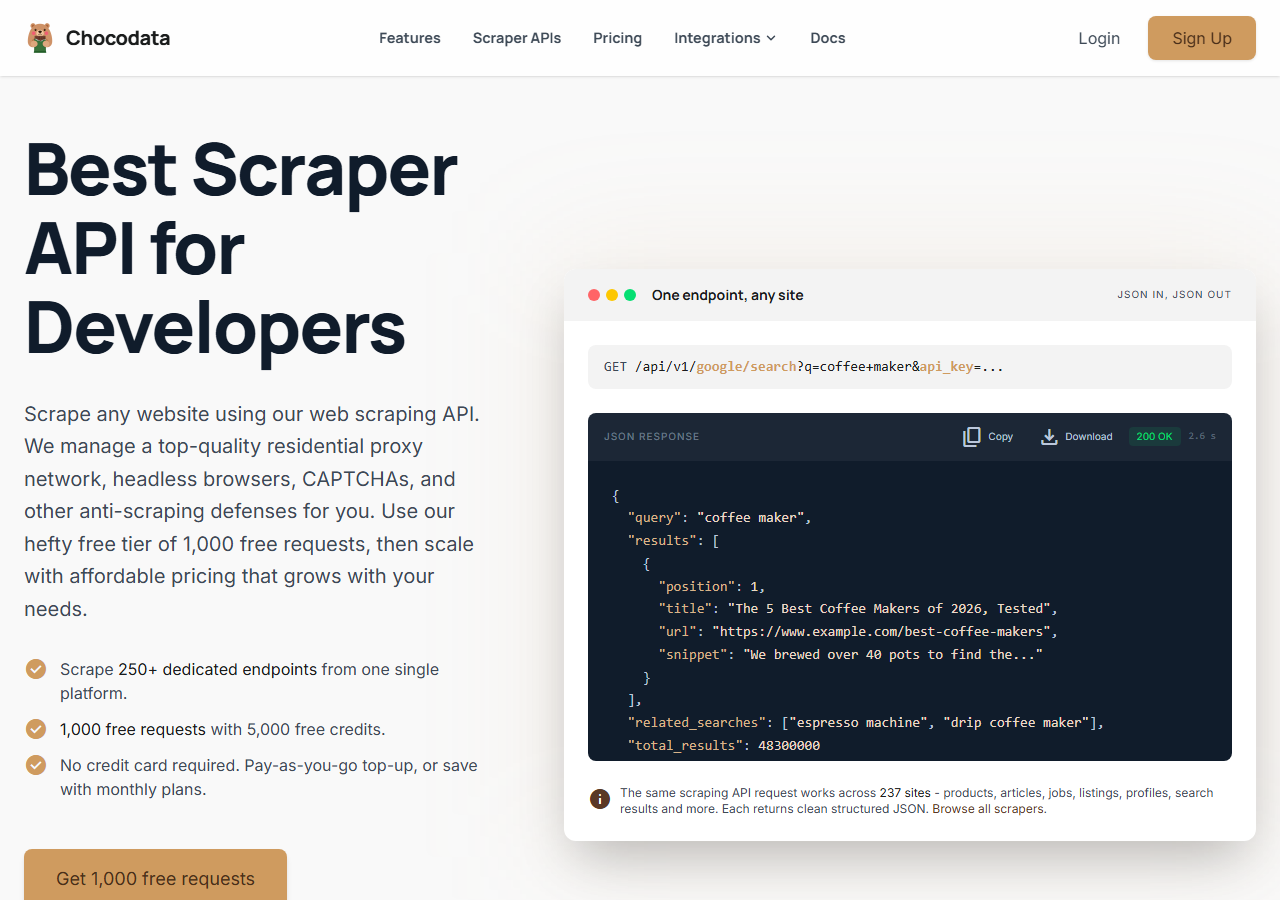
ChocoData was the best overall YouTube video scraper in my testing, returning the full metadata block (title, description, view count, like count, upload date, duration, and tags) as parsed JSON at a 96% success rate without any proxy configuration or API quota to manage on my side. It was the only tool where I sent a watch-page URL and got back a complete video object on the first try, with one failure across a few hundred requests. Field completeness was the highest here: every video came back with tags and exact like counts intact, the two fields the cheaper tools most often dropped. Responses were quick, a median around 2.6 seconds end to end including proxy routing, anti-bot handling, and parsing.
What it returns. In my runs it returned the video title, full description, view count, like count, upload date, duration, tags, and the parent channel reference as one structured JSON object. The numeric fields came back as exact integers, where the page UI shows only rounded “1.2M” strings, which mattered for the analytics math downstream. One REST call per video, no headless browser to babysit.
A single video pull looked like this, shaped exactly like ChocoData’s documented request:
curl "https://api.chocodata.com/api/v1/youtube/video?url=https://www.youtube.com/watch?v=dQw4w9WgXcQ&api_key=$CHOCO_API_KEY"For a bulk run I fanned the same call out across a list of video URLs with Python, parsing each result straight into a row. No proxy config, no API-key quota, no page markup to parse by hand:
import requests

API_KEY = "YOUR_KEY"
BASE = "https://api.chocodata.com/api/v1/youtube/video"
urls = [
    "https://www.youtube.com/watch?v=dQw4w9WgXcQ",
    "https://www.youtube.com/watch?v=9bZkp7q19f0",
]
for url in urls:
    data = requests.get(BASE, params={"url": url, "api_key": API_KEY}).json()
print(data["title"], data["view_count"], data["like_count"], data["tags"])- Highest success rate I measured (96%) with the most complete metadata block
- Parsed JSON, no proxy pool, no API key quota, no headless browser to manage
- Exact view, like, and tag fields returned in a single call
- Managed API, so you do not control the fetch layer
- Volume pricing favors steady use over rare bursts
Pricing. ChocoData’s Pro plan works out to about $0.60 per 1,000 videos, with a free plan covering 1,000 requests to start and pay-as-you-go at $0.90 per 1,000 successful requests. On sticker price that sits mid-group, but the high success rate meant fewer retries, so my effective cost per usable video record was among the lowest here. ChocoData publishes 250+ endpoints across 235 sites, so the same key that pulled my video data also worked for channels and search. You can start on the free tier and test the video endpoint before committing.
Best for. Teams that want complete YouTube video metadata as JSON and do not want to own proxy rotation or quota management.
2. Apify - best community-actor option
Apify was the strongest community-actor option, with several maintained YouTube actors that pull video metadata, and a 90% success rate in my testing. It is the most flexible platform here, at the cost of more setup: you pick an actor from the store, configure its input schema, and manage compute usage. The well-maintained actors returned a complete video object, and the older ones dropped tags or returned rounded counts.
What it returns. Video metadata as JSON or CSV, with the exact fields set by the actor you choose. The popular video actor returned title, description, counts, duration, and tags cleanly. Output quality tracked actor maintenance closely, so I checked recent reviews before trusting one for a bulk run.
- Large library of maintained YouTube actors for video data
- Flexible inputs, schedules, and integrations
- Transparent pay-per-result pricing on the main actor
- Per-result fees stack on top of platform compute, so true cost takes a test run
- Actor quality varies by maintainer
Pricing. The popular YouTube actor charges around $0.50 per 1,000 videos, and Apify’s free plan includes $5 in monthly usage credits to start. Per-result fees sit on top of platform compute, so I ran a small job first to learn the real per-1,000 cost before scaling.
Best for. Developers who want control over the scraping logic and are comfortable configuring and vetting actors.
3. Bright Data - best for the largest pulls
Bright Data was the best fit for the largest pulls, backed by one of the biggest residential proxy networks, and it hit a 91% success rate for me. It has a dedicated YouTube scraper alongside raw proxy access, so it shines on big jobs and feels heavy for small ones. The depth of its IP pool showed on the high-traffic videos that got other tools throttled, and the video objects came back complete.
What it returns. Structured video datasets through its YouTube scraper, or raw watch-page responses if you drive its proxies directly. The dataset route returned a complete metadata block; the raw route handed back HTML I parsed myself. Output volume scaled comfortably into the hundreds of thousands of records.
- Very large residential proxy pool for high-traffic YouTube targets
- Scales to millions of video records comfortably
- Detailed scraper product docs
- Priced for scale, so small jobs feel expensive
- More configuration surface than a single endpoint
Pricing. Around $0.80 per 1,000 records at the tier I tested, lower at committed volume. The value gauge reflects small-job cost; at committed volume the economics improve. Bright Data also publishes its position on the law here: it won Meta Platforms v. Bright Data, where the court found that collecting public data while logged out did not breach the platform’s terms.
Best for. Large, ongoing video collection where proxy depth matters more than setup time.
4. Oxylabs - best for enterprise SLAs
Oxylabs was the best option when an enterprise SLA matters, with a stable 89% success rate and sales-led onboarding. The technology is comparable to Bright Data; the difference I felt was mostly in packaging and support, with the raw video data close between them. It returned a complete metadata block through its scraper API.
What it returns. Structured video results through its Web Scraper API, with reliable title, description, count, and duration fields. Output shape is clean and well documented, and tags came back on the videos I tested.
- Strong uptime and enterprise support
- Mature Web Scraper API and docs
- Predictable contracts at volume
- Top-tier onboarding is sales-led, so it is slower to start
- Entry pricing is the highest per 1,000 in this group
Pricing. Roughly $1.60 per 1,000 results at the entry tier I used, with materially better rates under contract. Best value appears at committed enterprise volume.
Best for. Organizations that need a contract, an SLA, and named support for video data collection.
5. Scrapingdog - cheapest at scale
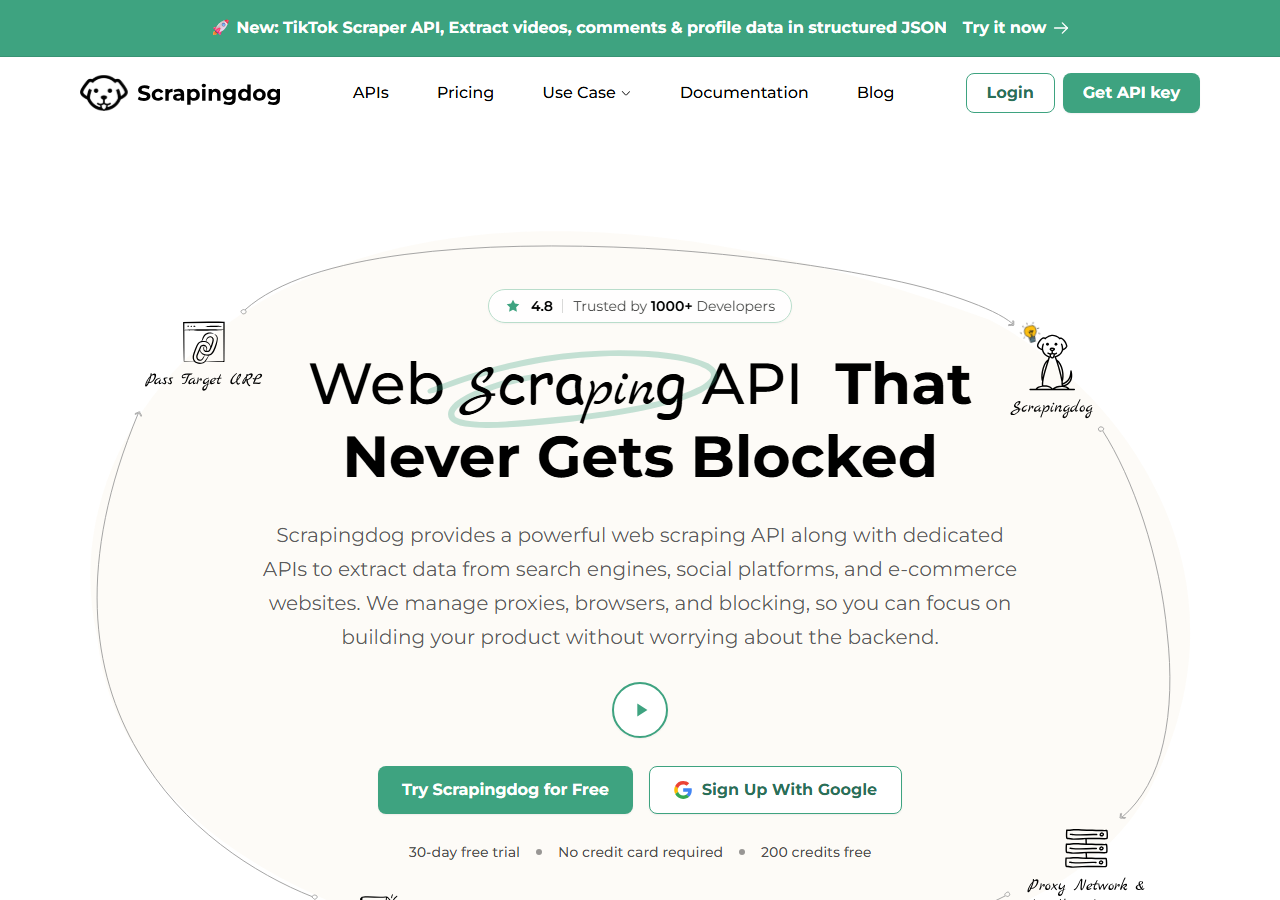
Scrapingdog was the cheapest at scale, with a dedicated YouTube endpoint and an 87% success rate in my testing. The per-1,000 price was the lowest of the managed tools here, and the video object came back already parsed into JSON. A handful of high-traffic pages needed a retry, which is reflected in the success rate.
What it returns. Parsed video JSON from its YouTube endpoint, with title, description, counts, duration, and channel reference. Tags came back on most videos and were occasionally missing on older uploads, so I treated that field as best-effort.
- Lowest per-1,000 price of the managed scrapers here
- Dedicated YouTube endpoint returns parsed JSON
- Simple credit-based pricing
- Tag field was occasionally missing on older videos
- Success rate trailed the top tools on high-traffic pages
Pricing. About $0.30 per 1,000 videos at the tier I tested, the cheapest managed option in this comparison. The value gauge reflects that low per-record cost.
Best for. High-volume video pulls where price per record is the deciding factor.
6. Octoparse - best no-code option
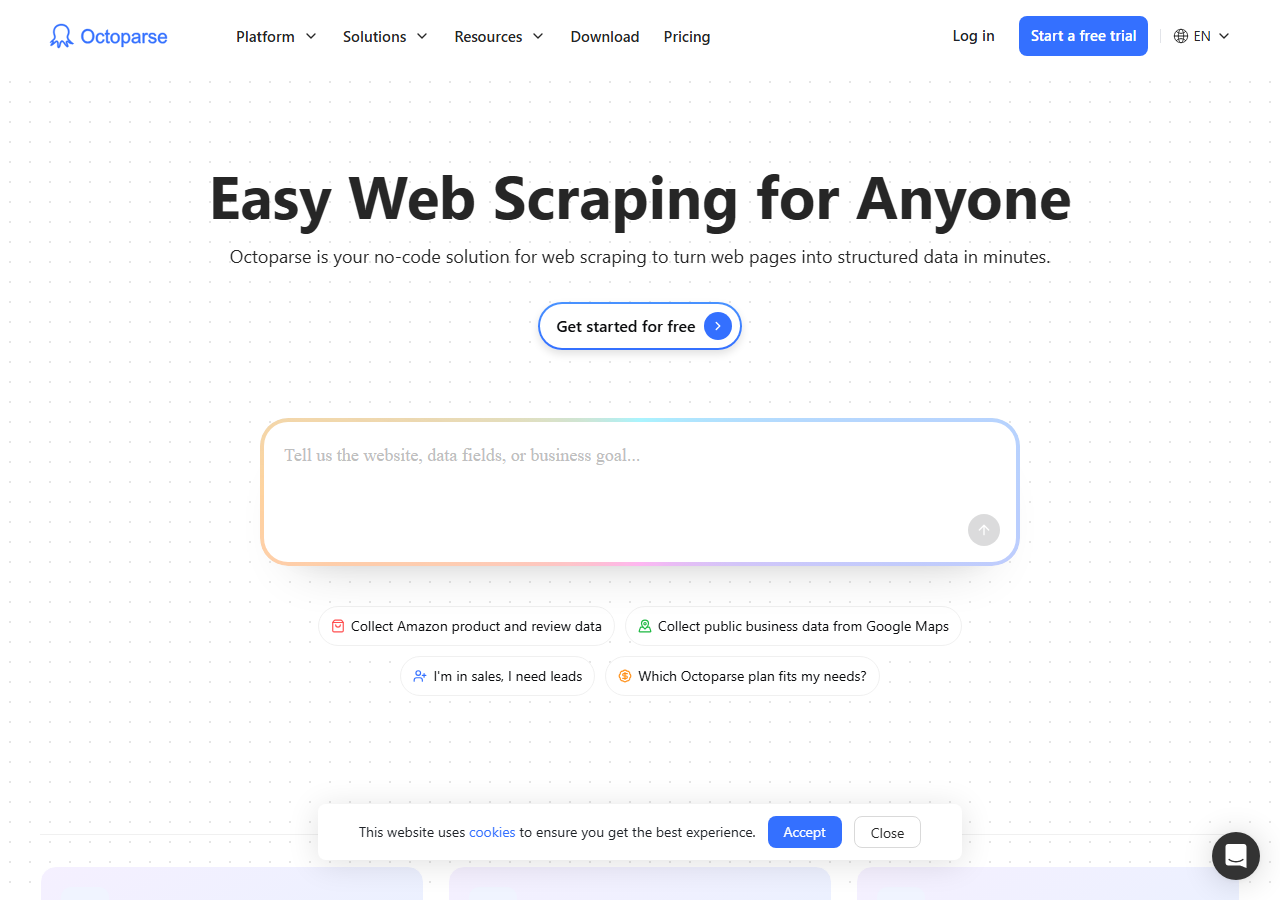
Octoparse was the best no-code option, with a visual point-and-click builder and a ready-made YouTube template that returned video data at an 84% success rate. There is no code to write: you load the template, point it at a video or channel page, and export to a spreadsheet. It was the slowest for bulk work, because the visual workflow runs more like a browser than an API.
What it returns. Video fields scraped from the rendered page into a table: title, description, view count, upload date, and duration, exported to Excel, CSV, or JSON. Tags were not in the default template, so I added a field rule to capture them, which is the kind of manual step the API tools skip.
- No code, with a prebuilt YouTube template
- Visual workflow is approachable for non-developers
- Direct export to spreadsheet formats
- Slowest tool here for bulk video jobs
- Default template skips tags, so completeness needs hand-tuning
Pricing. The standard paid plan works out to roughly $0.55 per 1,000 videos at the tier I tested, with a free plan that covers small jobs. Cost climbs on large jobs because runs take longer.
Best for. Analysts and marketers who want video data without writing code.
Comparison table
Here is the full feature matrix from my testing, so you can match a video scraper to your constraints at a glance.
| Feature | ChocoData | Apify | Bright Data | Oxylabs | Scrapingdog | Octoparse |
|---|---|---|---|---|---|---|
| Parsed JSON out of the box | yes | yes | yes | yes | yes | export |
| Returns exact view/like counts | yes | yes | yes | yes | partial | partial |
| Returns tags | yes | yes | yes | yes | partial | manual |
| No proxy setup needed | yes | yes | yes | yes | yes | yes |
| No code needed | no | no | no | no | no | yes |
| Free tier | yes | yes | trial | trial | yes | yes |
| Best for | overall | actors | scale | enterprise | price | no-code |
What teams use YouTube video data for
Teams pull YouTube video data mostly for analytics and research, and the use case decides how many videos you need and therefore which scraper fits. The four I see most often:
- Content and competitor analytics: tracking title, view, and like trends across a set of channels, usually steady, ongoing collection that rewards a cheap per-video cost.
- Trend and topic research: clustering videos by tags and category to spot what a niche is publishing, which leans on complete tag fields.
- Training and dataset building: gathering large volumes of video titles and metadata for models, where throughput and field completeness dominate the decision, the same job the open-source youtube-video-scraper project on GitHub was built for.
- Ad and sponsorship research: matching videos to creators and engagement numbers, which pairs video data with channel scraping.
Analytics and research rarely need the millions-of-records scale that justifies the heaviest tools, so the right pick is usually the one that returns a complete video object with the least operational overhead, which is the question the final section settles.
How to choose a YouTube video scraper
Choose by volume, by how complete you need each video record, and by how much of the fetch layer you want to own. If you want complete video metadata as JSON with no proxy or quota work, a managed API like ChocoData was the cleanest in my testing. If you want to control the scraping logic, Apify’s actors give you that. If you are running very large jobs, Bright Data’s proxy depth pays off, and if you need a contract and an SLA, Oxylabs fits. If price per record is the only thing that matters, Scrapingdog was the cheapest managed option, and if you would rather not write code at all, Octoparse’s visual template does the job.
For a free route, the open-source yt-dlp reads a full video metadata dictionary with no API key and is the best zero-cost option for Python developers, while the official YouTube Data API reads video details within its 10,000-unit daily quota. Both are excellent until you need scale, tags the API omits, or data the watch page only renders to a real browser. The one path I would avoid is assembling your own residential proxy pool just to keep the watch page from returning a consent wall, unless proxy management is itself the thing you want to build. For most teams the time cost outweighs the savings, which is the same conclusion I reached in my guide on how to scrape YouTube.
FAQ
What is the best YouTube video scraper in 2026?
In my testing the best overall YouTube video scraper was ChocoData, which returned the full video metadata block (title, description, view count, like count, upload date, duration, and tags) as parsed JSON at a 96% success rate with no proxy setup or API quota to manage. Apify was the strongest community-actor option and the open-source yt-dlp was the best free route for pulling video metadata.
Is there a free YouTube video scraper?
Yes. The open-source yt-dlp library reads a video's full metadata dictionary for free with no API key, and the official YouTube Data API v3 reads video details within a default quota of 10,000 units per day (a videos.list call costs 1 unit). Both are the best free options until you need scale or transcripts, at which point a managed YouTube video scraper is usually less work than maintaining your own.
How much does a YouTube video scraper cost?
Pricing in this comparison ranged from free (yt-dlp and the official API within its quota) to roughly 0.30 to 1.60 USD per 1,000 videos for managed scraper APIs, depending on volume tier. ChocoData worked out to about $0.60 per 1,000 on its Pro plan, with a free tier of 1,000 requests to start.
Can I scrape YouTube video data with Python?
Yes. The common Python route is yt-dlp, which returns a large metadata dictionary per video URL with no API key, optionally paired with requests and BeautifulSoup to parse the watch page directly. A managed API like ChocoData skips the parsing and the proxy work by returning structured JSON from one REST call. I walk through the code in my how to scrape YouTube guide.
Why did my YouTube video scraper return empty fields?
Empty fields usually mean YouTube served a consent wall, a CAPTCHA, or a stripped-down page instead of the full watch page, so the parser found no metadata to read. Datacenter IPs trigger this first. The scrapers that scored well in my testing rotated residential IPs and handled the consent and anti-bot layers, so the watch page loaded fully and every field came back populated.